Top packaging management software solutions in 2026 | Comparison
Packaging management software helps teams control packaging artwork, approvals, and production files in one centralized system. For brands working...
8 min read
Ekaterina Skalatskaia
:
Updated on January 13, 2026
If you're part of a team that creates packaging—whether it’s for yoghurt tubs, medicine boxes, or shampoo bottles—you know how tricky it can be to manage all the files, approvals, and last-minute changes. That’s where packaging artwork management software comes in. These tools reduce delays, prevent revision loops, and eliminate errors by keeping everything—files, tasks, and approvals—in one centralized system.
In this article, we compare the top 7 artwork management solutions for packaging teams in 2026*. Each tool is evaluated based on criteria that matter in real packaging workflows, including approval structure, version control, collaboration with agencies and printers, and compliance support.
This guide is designed for marketing, packaging, and regulatory teams who need more than file sharing — and want a clear overview of which tools fit complex packaging projects, and which are better suited for simpler creative use cases.
*Updated for 2026 (This comparison reflects the latest features, pricing approaches, and compliance requirements relevant to packaging teams in 2026)
Think of artwork management software as your digital assistant for packaging graphics. It keeps all your files, tasks, and feedback in one place. Instead of emailing PDFs, using spreadsheets to track approvals, or losing time looking for the “final final” version of a design—this kind of software simplifies the entire process.
Brand and packaging managers who need to make sure every product looks on-brand.
Marketing teams that need fast approvals for campaigns.
Regulatory people who make sure legal texts and ingredients are correct.
Agencies working with big clients on multiple packaging lines.
Production teams who need to know if the file is print-ready.
Example: Imagine you’re launching a new oat milk across 5 countries. The legal info differs slightly, the artwork needs to be translated, and you’re using 3 different printers. Without the right tool, this becomes a nightmare. With artwork management software, everything is tracked and approved in one place.
Artwork lifecycle management refers to the end-to-end process of creating, reviewing, approving, distributing, and archiving packaging artwork files. For regulated industries like food, pharma, or cosmetics, managing this lifecycle effectively ensures both speed and compliance.
Tools like Cway, Twona, and Kallik offer artwork lifecycle management features including version control, automated routing, legal compliance checkpoints, and audit trails.
Explore our in-depth guide on how to build a faster, more reliable packaging process—designed for teams working across multiple SKUs, languages, and regions.
Not every tool is built the same. Here are some things to look for before you pick one:
Version Control
Can you see what changed between versions? If someone updates the barcode or color, you want to know exactly what’s different.
Approval Workflows
Can you set up steps where legal, marketing, and packaging must all sign off?
Compliance Features
Especially important if you’re in food, pharma, or cosmetics. You need proof of who approved what and when.
Cloud Access
Can your global team log in and work from anywhere?
Ease of Use
The tool should be simple enough for non-designers too.
Integration
Can it connect to your design software or your company’s database?
Tip: Choose a tool based on your team’s size, your industry, and the types of products you work with.
94% of packaging teams face workflow blind spots.
Let our experts help you spot inefficiencies before they cost you. Schedule your free 1-on-1 consultation today.
We focused on:
Clear approval workflows that support multi-step reviews, defined roles, and sign-offs across internal teams and external partners
Strong version control to manage frequent artwork changes and avoid costly mistakes
Compliance and traceability, including audit trails and approval history for regulated products
Collaboration with agencies and printers without losing visibility or control
Let’s look at the most trusted tools on the market—and what makes each one unique. These artwork management solutions help you build scalable, auditable, and reliable packaging workflows.

Why It Stands Out
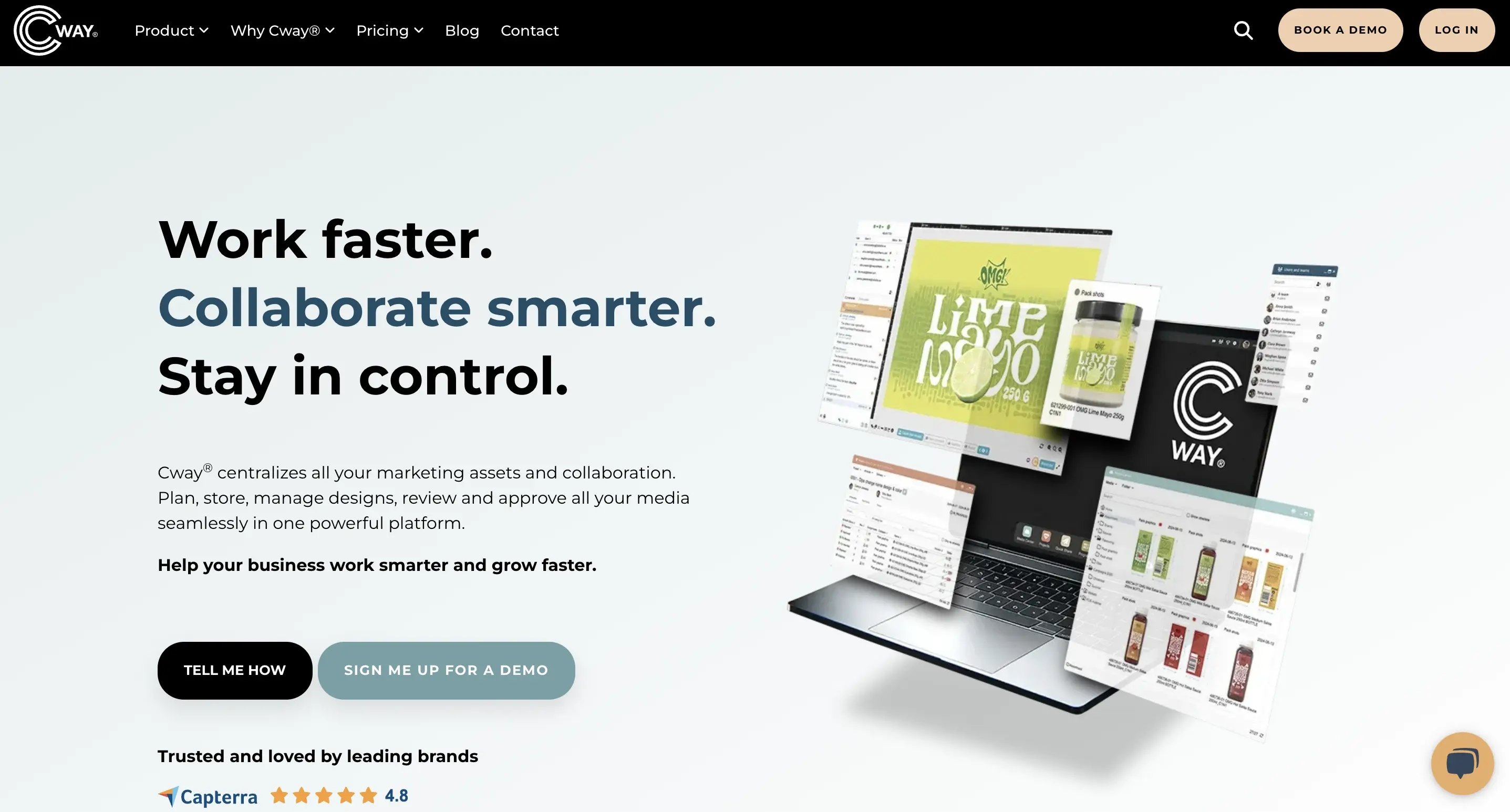
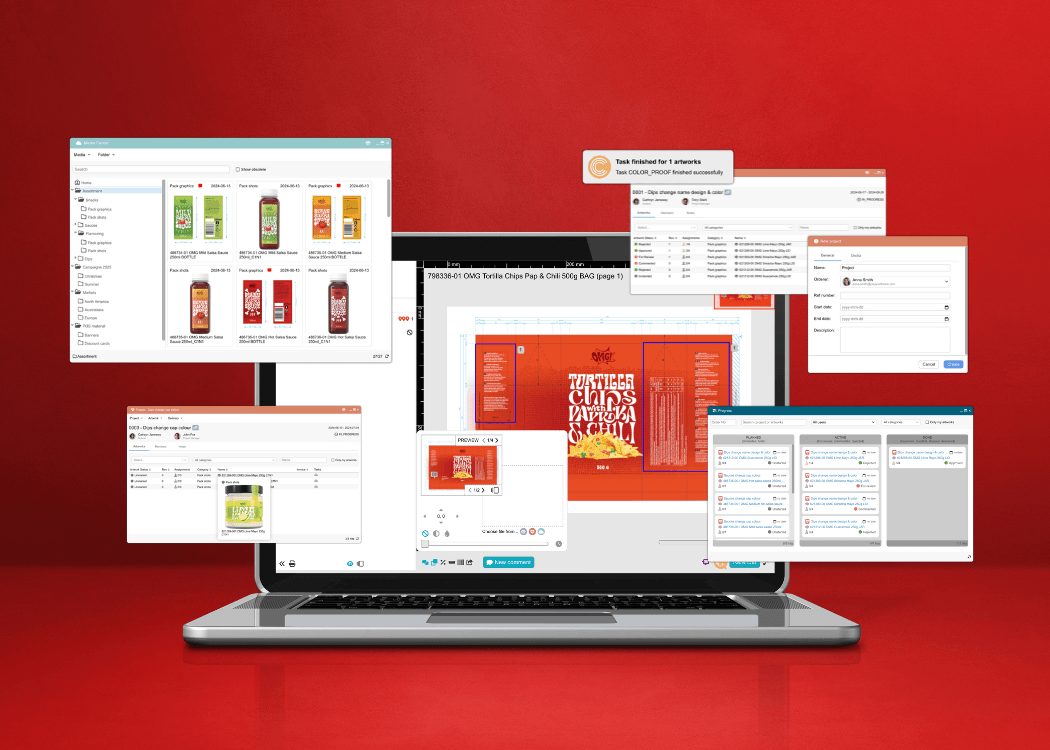
Cway® is a software platform built specifically for managing packaging artwork and approvals. It helps teams replace fragmented, email-based workflows with structured, traceable processes that scale across products, markets, and regulatory requirements.
By bringing structure to creative collaboration, Cway® reduces errors, shortens approval cycles, and helps teams launch faster with full control and visibility.
Top Features:
Project Apps: Every artwork has a built-in task list, so nothing gets missed.
Compare Tool: Highlights even tiny visual differences between artwork versions.
Packaging-Specific Flows: Automated task routing, role-based approvals, and deadline tracking are built into Cway’s engine. Workflows can be tailored to match any internal process, helping teams maintain consistency and scale operations effortlessly.
Version History: Every comment and change is saved and easy to trace.
Contextual Review and Feedback: Cway’s in-platform annotation and comment tools enable stakeholders to leave precise, actionable feedback directly on artwork files. No more bouncing between PDFs, emails, or shared drives—everything is centralized and version-controlled.
Centralized Asset Management: Cway serves as a single, reliable hub for all artwork files—whether they’re in development, under review, or approved. It eliminates scattered documents and outdated versions, ensuring that every stakeholder works with the latest asset at all times.
Real-Time Reporting and Insights: Project owners and managers gain access to performance dashboards that spotlight bottlenecks, approval times, and workload distribution—driving continuous improvement and accountability.
Best For:
Packaging teams, agencies, or FMCG brands who want fast results and clear control.
Pros:
Made for packaging—not just creative files
Very user-friendly
All-in-one: comments, approvals, storage, and viewing
Cons:
Not built for general marketing materials like social media posts, but can be adopted
Get hands-on with the Cway platform—no strings attached. Explore project apps, try the version compare tool, upload your own artworks, and see what a packaging-first system can really do.
✅ No credit card required
✅ Full access to project & media center tools
✅ Personalized onboarding session available

Why It Stands Out
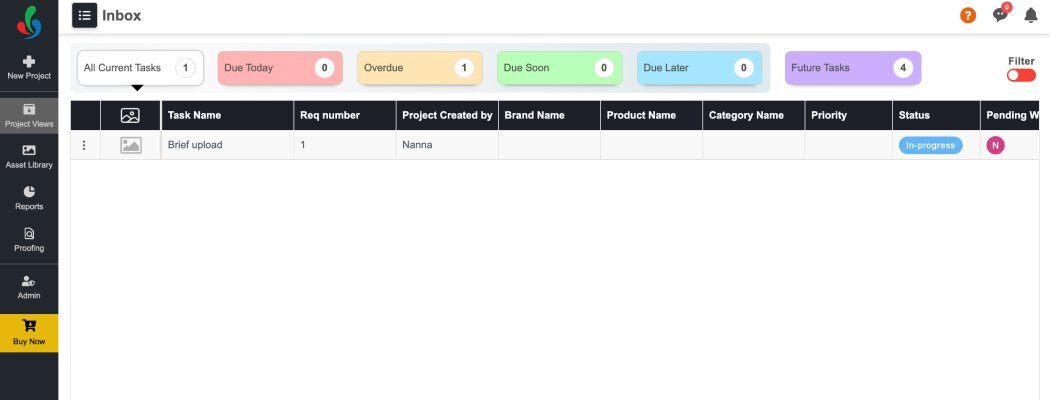
This platform is primarily focused on compliance, traceability, and regulatory control. ManageArtworks is developed by Karomi Technology, a company with a strong focus on pharmaceutical and highly regulated CPG environments, where detailed audit trails, change history, and validation requirements are critical.
Top Features:
Automated approval paths: By automating workflows and enforcing role-based tasks, the platform helps standardize approval processes and reduce dependency on manual follow-ups.
Regulatory tracking: The platform is designed with industries like pharmaceuticals and consumer packaged goods in mind, making it well-suited for environments where regulatory compliance and traceability are non-negotiable.
Vendor access control: ManageArtworks is capable of managing large-scale operations with geographically dispersed teams. This is valuable for global brands managing localized packaging across markets.
Best for:
Small and mid-sized packaging teams with growing approval needs
Pros:
Great for global teams
ManageArtworks provides plugins for Adobe tools, allowing designers to work within their familiar environment while syncing directly with the system
Cons:
There are reports of limited flexibility in customizing workflows and templates, which can be restrictive for organizations with unique processes.
Some users find the interface less intuitive, which can lead to a steeper learning curve and require additional training time.

Why It Stands Out
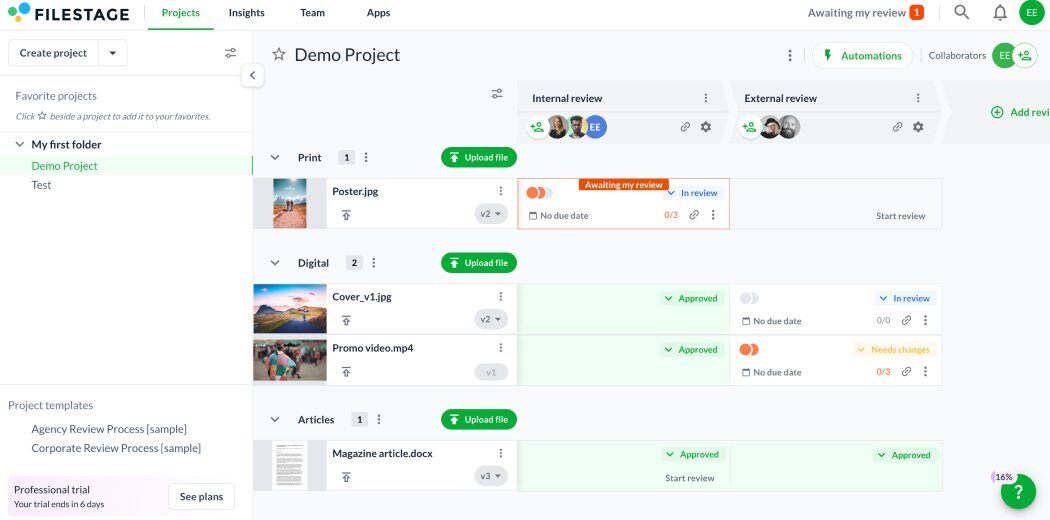
Filestage is a simple and clean tool for reviewing content. It works well for teams handling multiple file types — such as videos, brochures, and packaging artwork — and supports straightforward review and feedback cycles. The platform is best suited for teams that need an easy way to collect comments and approvals, rather than highly structured or compliance-driven workflows.
Top Features:
Comment directly on files
Track who approved what
Clear feedback threads
Best For:
Agencies and marketing teams with lots of projects on the go
Pros:
Quick to start
Easy for clients to use
Cons:
Not built for packaging-specific needs like barcodes or dielines

Why It Stands Out
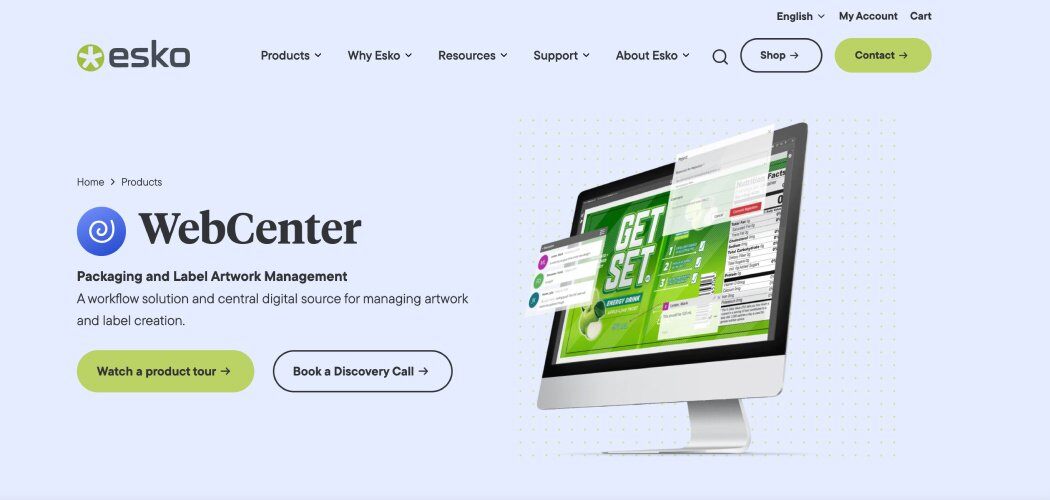
Esko is a well-established player in packaging software and is widely used by large, international brands. Its solutions cover a broad range of packaging-related processes and are often part of complex, enterprise-level environments with dedicated teams and existing systems.
Top Features:
Full packaging workflow from idea to print
Regulatory tracking
Integration with print production tools
Best For:
Big teams with complex workflows and global production partners
Pros:
Integrates with advanced prepress tools
Supports complex, multi-language packaging pipelines
Cons:

Why It Stands Out
Kallik is built specifically for life sciences and focuses on ensuring that labels and packaging meet industry regulatory requirements. The platform supports controlled workflows and traceability, making it suitable for organizations operating in highly regulated environments.
Top Features:
Compliance tracking
Digital audit trail
Global language management
Best For:
Pharma and medical device companies
Pros:
Proven in high-risk industries
Tracks legal info across versions
Cons:
Not flexible for creative or fast-moving consumer brands

Why It Stands Out
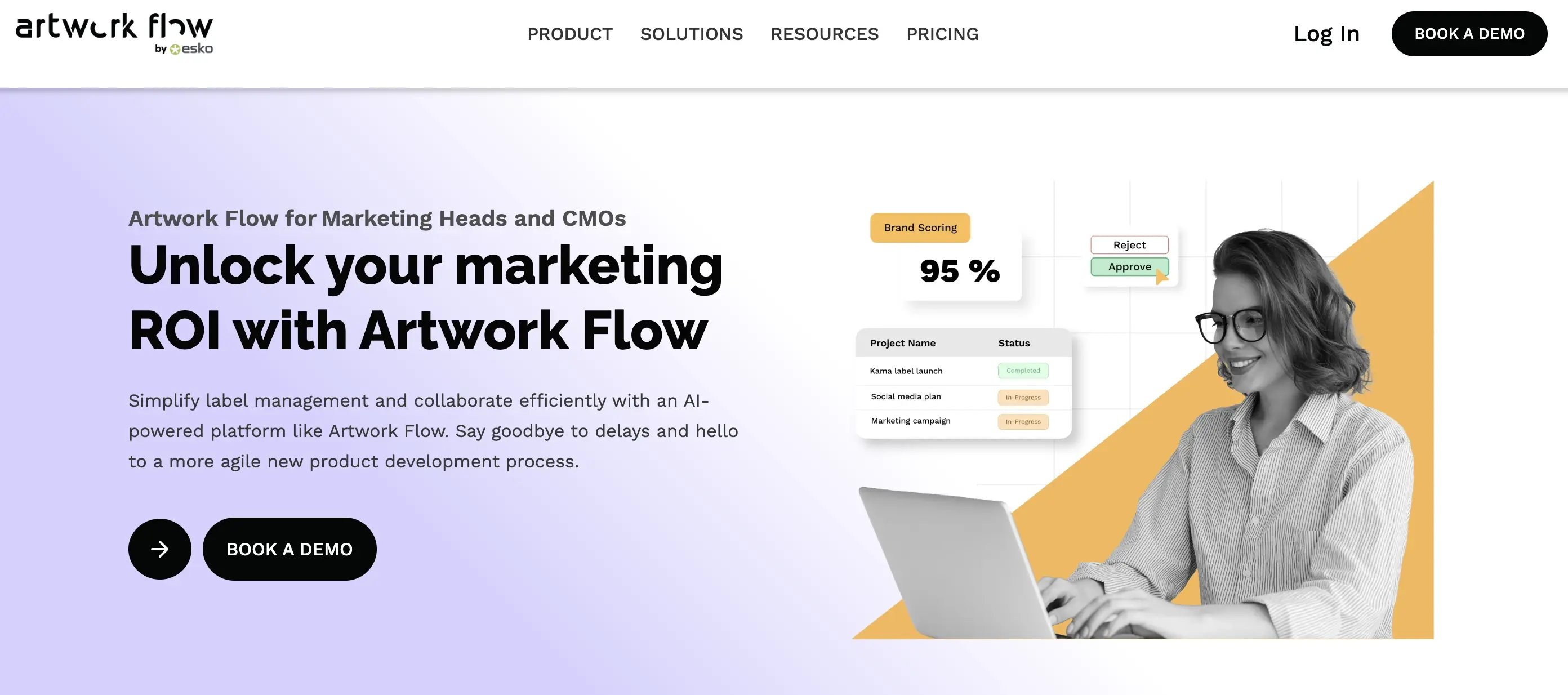
Artwork Flow is made for mid-sized teams looking to move away from spreadsheets and emails.
Top Features:
Approval checklists
Easy commenting
File status tracking
Best For:
Consumer brands and startups with growing teams
Pros:
Affordable and user-friendly
Fast setup
Cons:
Fewer features for advanced print or regulatory needs

Why It Stands Out
Aproove combines project management and creative proofing and is best suited for content-heavy teams managing multiple review cycles, rather than complex packaging compliance workflows.
Top Features:
Task assignments
Visual file reviews
Dashboard overviews
Best For:
Creative agencies and internal design departments
Pros:
Combines projects and proofing
Flexible workflows
Cons:
May feel too general for packaging use
Some tools are complex
Choosing the right artwork management solution can feel overwhelming. There are many platforms out there, but not all of them are built with packaging in mind. Some are great for creative reviews. Others for general task management. But if your team works with packaging graphics, print deadlines, and product launches—you need a tool that understands those challenges from the start.
Cway® isn’t just another approval tool. It’s built by Collabra, a team that’s been managing packaging artwork for some of the biggest brands in Scandinavia, like Arla and Essity. They know the real-world struggles—missed barcodes, lost approvals, file chaos—and they’ve created a platform to fix all of that.
With Cway®, you get:
Packaging-specific workflows that are ready out of the box
Visual compare tools to catch small but critical changes
Smooth collaboration, with feedback saved in one place
A powerful Media Center that organizes all your artwork files without duplication
It’s intuitive, fast to learn, and flexible enough to grow with your needs.
We recommend starting with a hands-on comparison. Use real artwork from your team and test how these tools handle the workflow.
✅ Download our free guide: How to choose the right online proofing software
This resource breaks down what to look for—from collaboration features to file support and onboarding time.
✅ Book a demo with Cway®:
Experience how Cway handles your actual packaging workflow. No fluff—just smart tools that make your job easier.
Packaging artwork management software is a digital tool that helps teams manage the creation, review, approval, and distribution of packaging files. It centralizes all assets, tracks version history, and automates approval workflows to reduce errors and accelerate time to market.
These solutions are ideal for packaging managers, marketing teams, regulatory staff, agencies, and production teams—especially in industries like food, cosmetics, or pharmaceuticals where speed and compliance are critical.
Artwork lifecycle management gives you complete visibility into every stage of the packaging process—from design to approval to final delivery. It reduces bottlenecks, ensures compliance, and prevents costly mistakes caused by miscommunication or outdated files.
Key features include version control, automated approval workflows, compliance tracking, centralized asset storage, and real-time collaboration tools. If you're managing packaging projects, choose a solution designed specifically for those workflows.
Cway® is purpose-built for packaging teams. It offers packaging-specific workflows, visual version comparison, and full artwork lifecycle coverage. Unlike generic proofing tools, Cway focuses on the unique needs of regulated and high-volume packaging environments.
Packaging management software helps teams control packaging artwork, approvals, and production files in one centralized system. For brands working...
Streamline design approvals, enhance feedback loops, and get to market faster with Cway®—your all-in-one platform for artwork approval process.
If your team struggles to manage packaging artwork across multiple stakeholders, you’re not alone. In this article, we’ll explore how artwork...