Introducing the new Cway dashboard
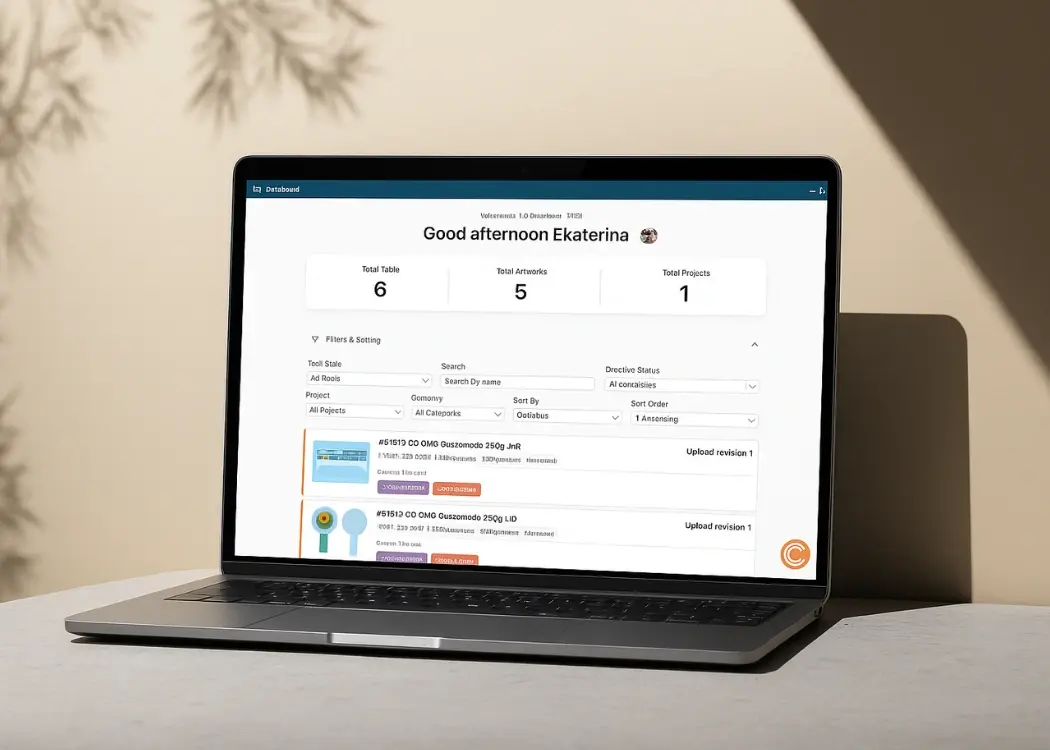
The new Cway Dashboard replaces the old table-based layout with a clean, task-oriented interface that helps you stay organized and make decisions...
1 min read
Ekaterina Skalatskaia
:
December 18, 2025 at 7:32 AM
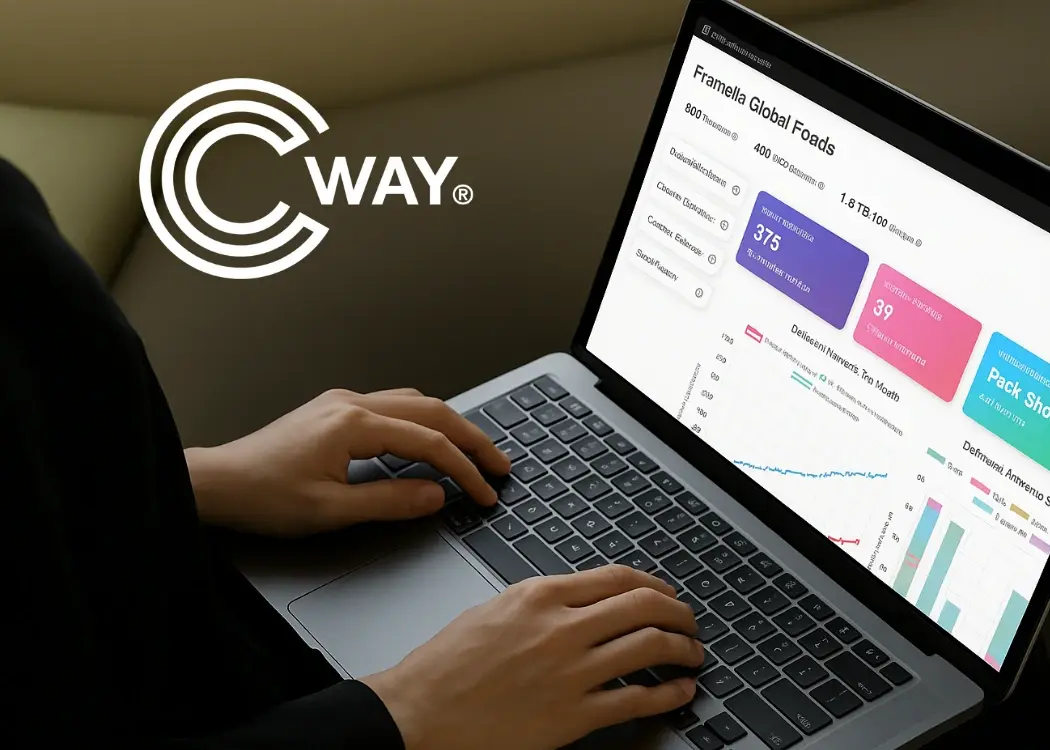
Pulse has evolved into an even more powerful analytics hub — giving you deeper visibility, clearer insights, and beautifully visualized data to support smarter decision-making across your artwork workflow.
This update brings a series of enhancements designed to help teams understand performance trends faster, identify opportunities for improvement, and gain a complete view of their artwork lifecycle in one place.
Pulse now opens with a richer, more dynamic overview of your artwork operations. Key performance indicators such as:
Total artworks
Monthly averages
Recent trends
Top artwork categories
are displayed in vibrant, easy-to-read summary cards that instantly highlight the health and activity of your process.
These digestible metrics provide clarity at a glance, supporting both daily workflow decisions and long-term planning.
The updated Pulse experience introduces:
multi-layered trend charts
category-based analysis
stacked bar visuals
accumulated vs previous year comparisons
month-by-month performance curves
These upgraded visualizations transform your raw data into meaningful stories, helping you spot patterns, peaks, and opportunities with ease.
Pulse now places a strong emphasis on trends and momentum.
Highlight cards display:
upward or downward movement
month-over-month changes
seasonal spikes
category performance shifts
These indicators bring immediate context to your metrics, making it easier to understand whether your workflow is improving, stabilizing, or facing new challenges.
Each section within Pulse now provides a more comprehensive look at your artwork lifecycle, including:
With accumulated values, category breakdowns, and monthly dynamics.
Featuring enhanced clarity on volume, categories, and rejection ratios.
With clearer performance indicators and trend patterns.
Including peak values, averages, and monthly trends to better plan workload.
Together, these areas form a complete analytical environment for continuous improvement.
The new Pulse experience empowers teams to:
identify bottlenecks early
improve planning and resource allocation
monitor productivity and volume trends
strengthen artwork quality and reduce rejections
optimize collaboration across teams
Pulse evolves with your needs, helping you scale your artwork operations confidently and effectively.
This update elevates Pulse into a highly visual, insight-driven analytics center — designed to meet the needs of modern FMCG, packaging, design, and marketing teams who depend on clear, accurate data to run efficient artwork workflows.
Pulse continues to grow, and this enhancement marks an exciting step forward in helping teams make smarter, data-backed decisions.
The new Cway Dashboard replaces the old table-based layout with a clean, task-oriented interface that helps you stay organized and make decisions...

At Cway, we’re always looking for ways to refine our products to provide the best possible experience for our users. With our latest update, we...
We’re excited to introduce three major updates that make Cway even more powerful, intuitive, and aligned with the real workflows of creative,...