1 min read

New features & workflow enhancements in Cway

New features & workflow enhancements in Cway
Cway feature updates for better artwork management
2:53

We’re excited to introduce three major updates that make Cway even more powerful, intuitive, and aligned with the real workflows of creative, packaging, and artwork teams. These enhancements focus on visibility, insights, and collaboration—helping you move faster and manage artwork processes with greater confidence.

Here’s a quick overview of what’s new.

A New, Smarter Dashboard for Everyday Work


Your dashboard has been completely redesigned to give you a clearer, more personalized overview the moment you log in.

The new interface offers:

  • A clean, modern layout

  • Total Tasks, Total Artworks, and Total Projects at a glance

  • Visual artwork cards with previews and quick actions

  • Powerful Filters & Sorting to prioritize work

  • Faster access to approvals and project details

This update makes your daily artwork workflow easier, quicker, and more intuitive—for both new and experienced users.

👉 Learn more about the new Dashboard

Enhanced Pulse Analytics for Deeper Workflow Insights


Pulse has evolved into a more visual, insight-driven analytics hub.

You now get:

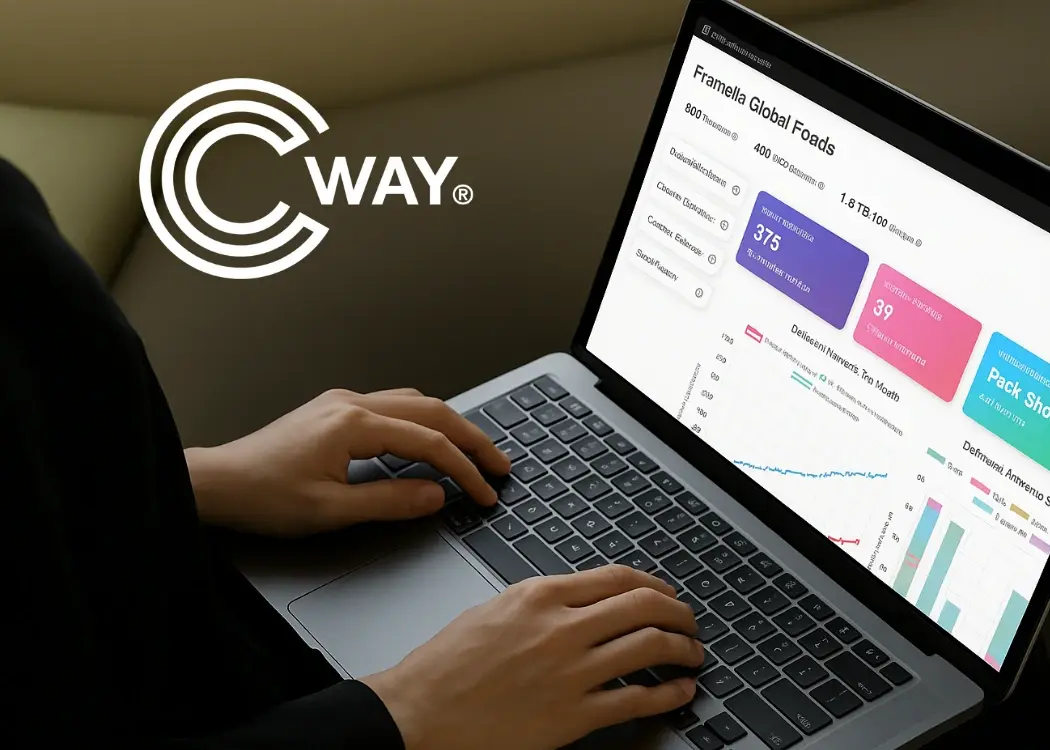
  • Dynamic KPI cards with totals, averages, and trends

  • Multi-layered charts showing artwork volume, categories, and year comparisons

  • Trend indicators that reveal performance shifts

  • Monthly breakdowns in every report

  • Detailed views of deliveries, rejections, on-time performance, and open projects

These improvements help teams understand how their artwork management workflow is performing and where they can optimize for speed, quality, and efficiency.

👉 Explore the enhanced Pulse Analytics Hub

Flexible Team Management for More Accurate Approval Workflows

New Team Capabilities for Flexible Artwork Approval Workflows
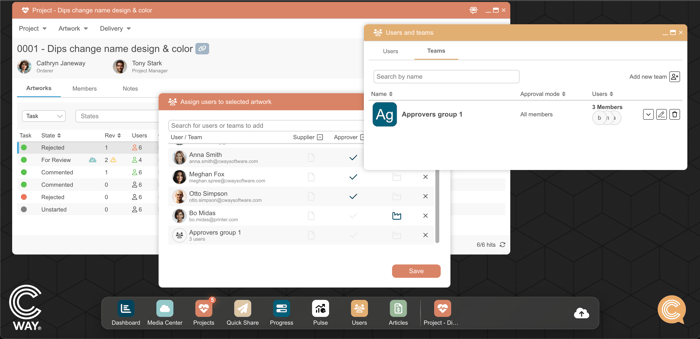
We’ve introduced new Team capabilities to make collaboration and approvals more flexible:

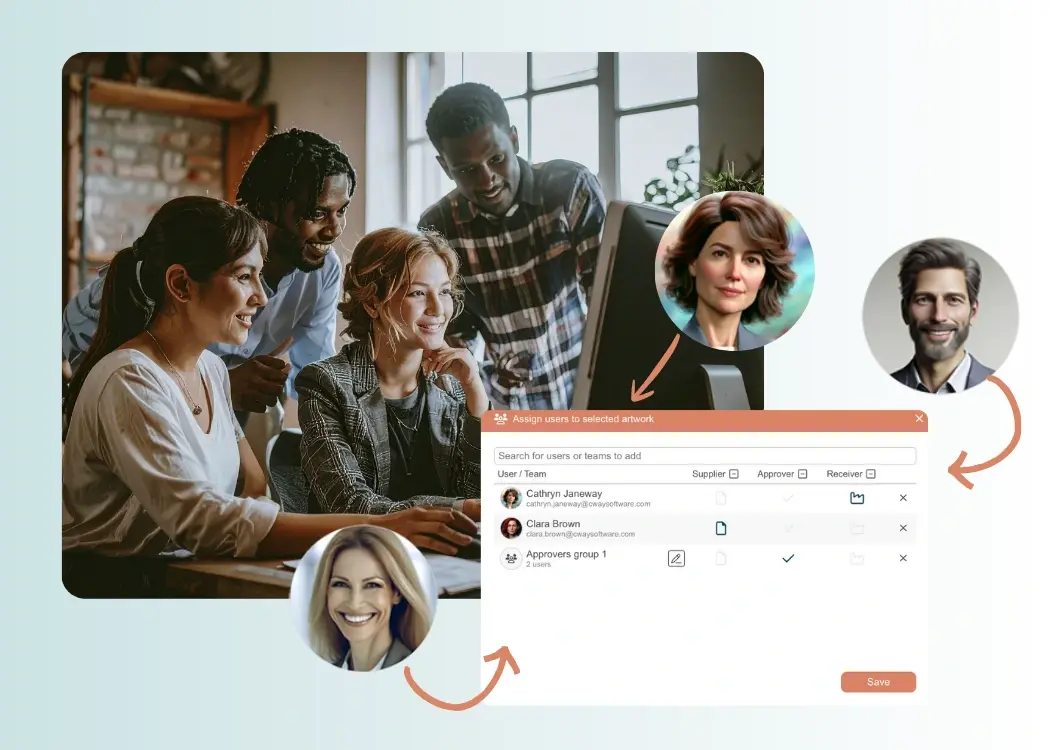
  • Create teams and assign them as approvers, submitters, or receivers

  • Add team members once—reuse the group across multiple artworks

  • Choose how the team behaves in the workflow:

    • All members must approve, or

    • One member can approve for everyone

This makes your artwork approval workflow more adaptable to real-world structures, whether you need strict multi-step approvals or fast, representative sign-off.

You can also use Teams across the platform:

  • Assign them to artworks

  • Share files via Quick Share

  • Set folder permissions in the Media Center

👉 Read the full guide on using Teams

Why These Updates Matter

Every brand and packaging operation works differently. Our goal is to ensure Cway adapts to your unique workflow—not the other way around. These updates are designed to:

  • reduce manual work

  • improve visibility and decision-making

  • strengthen collaboration across teams

  • provide actionable insights into artwork performance

  • support faster, more reliable approvals

As always, these improvements are driven by user feedback and real needs shared by the teams who rely on Cway every day.


Introducing smarter, more flexible team management in Cway

Introducing smarter, more flexible team management in Cway

Managing packaging artwork projects often requires multiple teams, many reviewers, and different approval stages. To support the complexity of modern
View Full Article
Cway updates March 2025

Cway updates March 2025

At Cway, we’re always looking for ways to refine our products to provide the best possible experience for our users. With our latest update, we...

View Full Article
Pulse update: a more powerful analytics hub for artwork management

Pulse update: a more powerful analytics hub for artwork management

Pulse has evolved into an even more powerful analytics hub — giving you deeper visibility, clearer insights, and beautifully visualized data to...

View Full Article