
 Ekaterina Skalatskaia
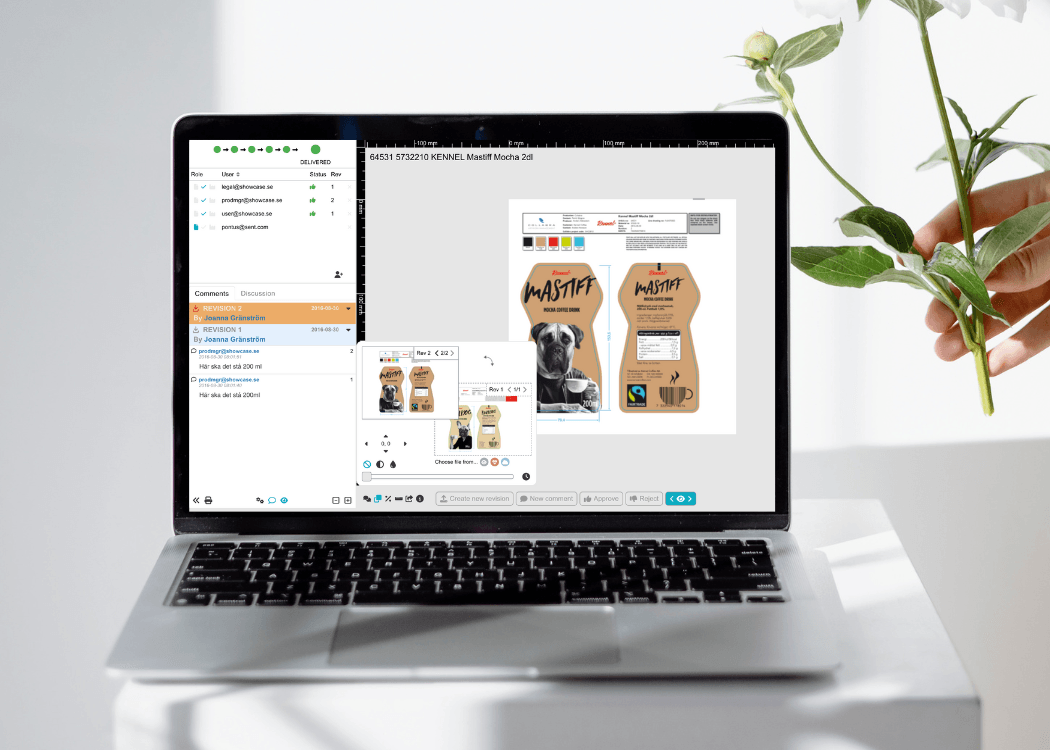
Compare tool: streamline your artwork review
 Ekaterina Skalatskaia : November 22, 2024 at 7:57 AM
Discover how to use Cway's compare tool to easily compare artworks and files, streamline reviews, and boost your creative workflow.
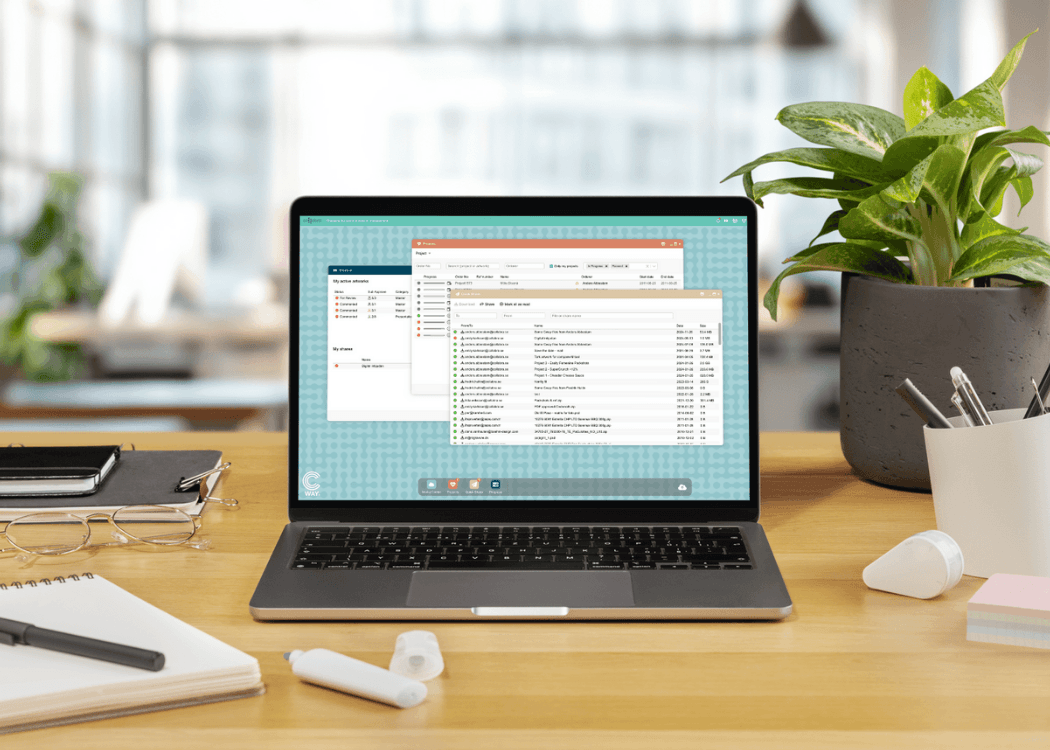
At Cway, we’re always looking for ways to refine our products to provide the best possible experience for our users. With our latest update, we focused primarily on UX/UI improvements, ensuring smoother workflows and a more intuitive design across our apps. While some of these changes might feel subtle, they make a big difference in everyday use. Here’s what’s new!
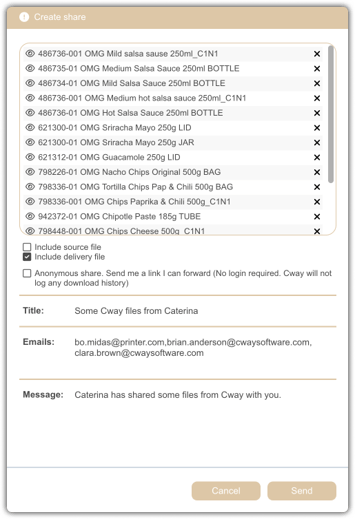
We’ve made some visual and usability enhancements to Quick Share to improve the file-adding window, button designs, and overall layout. While these updates might seem minor, they significantly enhance user experience by making actions clearer and interactions smoother. Our team conducted in-depth user research and gathered feedback, and this is just the beginning—more refinements are on the way!
Media Center has received more substantial updates, making it easier to manage and organize your files.
✅ New Sorting Options – Users can now filter by category and sort by name, or date, allowing for more flexibility in how they navigate their media library.
✅ Customizable Gallery Display – Choose between different preview modes: icon view, list view, or gallery view, making it easier to browse your files the way you prefer.
✅ Infinite Scrolling Fixed – We tackled an issue with infinite scrolling, making navigation seamless and responsive.
✅ ‘Get Info’ Update – More details and a better-structured info panel allow users to quickly find relevant information about their files.
Updated "Request New Password" Form – We simplified the password reset process to eliminate any confusion or misuse. It’s now clearer, more intuitive, and foolproof.
Revamped Login Forms – A refined, modernized design for login and authentication forms improves readability and usability.
A lot of work went on behind the scenes to enhance performance and speed. While you may not see these changes directly, they make everything run faster, smoother, and more efficiently.
✅ Optimized backend processes for better performance
✅ Faster load times & improved stability across apps
We refined the PDF export feature, ensuring better formatting and a more streamlined export process. Whether you’re generating reports, saving files, or sharing documents, you’ll notice smoother performance and more reliable exports.
We’re actively working on integrating AI models into our software to bring smarter automation and enhanced capabilities to our users. Expect some exciting announcements soon!
This update is part of an ongoing effort to enhance usability, performance, and security across our platform. We appreciate your feedback, and as always, we’re committed to delivering a seamless, efficient, and enjoyable experience with Cway.
Have feedback or feature requests? We’d love to hear from you! Stay tuned for more updates, and thank you for being part of the Cway community! 🚀
Dev team
 Ekaterina Skalatskaia : November 22, 2024 at 7:57 AM
Discover how to use Cway's compare tool to easily compare artworks and files, streamline reviews, and boost your creative workflow.
 Ekaterina Skalatskaia : April 11, 2025 at 10:50 AM
From subscriptions to collaboration, Cway’s latest update streamlines your artwork workflow with smarter features and a refreshed user experience.

 Joanna Gränström : July 3, 2024 at 8:56 AM
Uncover what’s new in Cway®—features, platform updates, and stories from the team behind the leading artwork management solution.