4 min read

Packaging dieline creation made easy: a practical guide for teams

Packaging dieline creation made easy: a practical guide for teams
Simplify packaging and labeling dieline creation with Cway
6:21

A dieline is the blueprint of any packaging or labeling project. It defines cut lines, fold areas, glue zones, and bleed margins — ensuring that the final printed piece matches the intended design perfectly. Accurate dielines are essential for packaging teams, designers, and printers because even a minor misalignment can result in print errors, wasted material, compliance issues, or costly reprints.

Whether you’re producing folding cartons, flexible packaging, or multi-market labels, mastering dieline creation is key to a smooth artwork and packaging workflow. Yet for many teams, it remains one of the most time-consuming and error-prone steps of the packaging lifecycle.

In this guide, we’ll cover the fundamentals of dieline creation, common challenges, and how Cway helps packaging teams streamline the entire artwork lifecycle — from dieline setup to approval and final production.

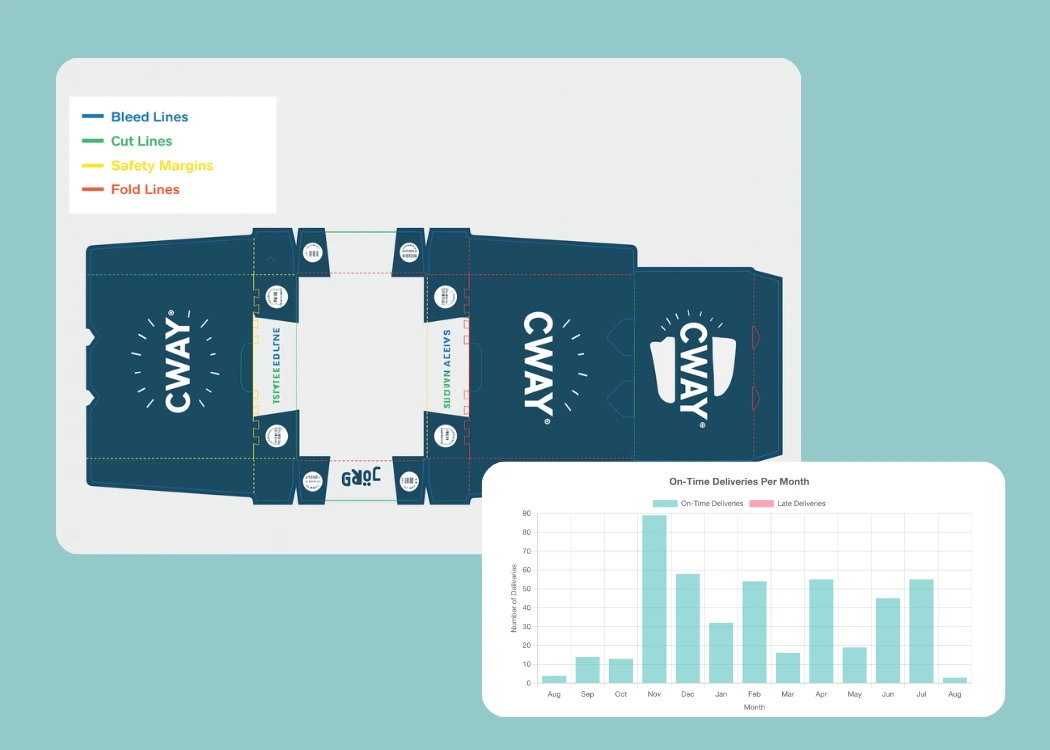
Components of a Dieline

A professional dieline includes several essential elements:

Cut lines

Define the edges where the packaging material will be cut. These lines shape the final structure of the carton, label, or pouch.

Fold lines

Mark where the material will bend or fold. Incorrect fold placement leads to structural issues or misaligned artwork.

Bleed areas

Ensure the artwork extends past the edge to avoid white borders after trimming — critical for brand consistency and print quality.

Safety margins

Keep important elements (logos, claims, legal text) away from edges to prevent them from being cut off during finishing.

Glue tabs / locking mechanisms

Essential for ensuring the structure holds together once assembled.

These components must work together seamlessly to ensure both manufacturability and design accuracy.

Challenges in Dieline Creation

1. Precision and Accuracy

Incorrect measurements or misaligned lines may cause fit issues, distorted artwork, or unusable production files.

2. Material and Format Complexity

Cartons, labels, pouches, sleeves, multi-layer films — each material behaves differently during cutting, folding, and printing.

3. Multiple Specifications to Manage

Regulations, brand guidelines, print specifications, color profiles, cutter requirements — keeping everything aligned can be overwhelming.

4. Version Control and Collaboration Issues

Multiple designers or markets working on the same file often leads to:

  • conflicting versions

  • misplaced assets

  • lost comments or inaccurate feedback loops

5. Prototyping Delays

Physical mockups take time, slow down approvals, and introduce repeated back-and-forth communication.

These challenges become even more complex for brands managing large product portfolios or multi-market label variations.

How Cway Simplifies Dieline Management

Cway’s artwork lifecycle platform gives packaging and marketing teams a single source of truth for all packaging and label files — including dielines. Instead of managing files across tools, folders, PDFs, or email threads, Cway enables a controlled, transparent, and compliant workflow from start to finish.

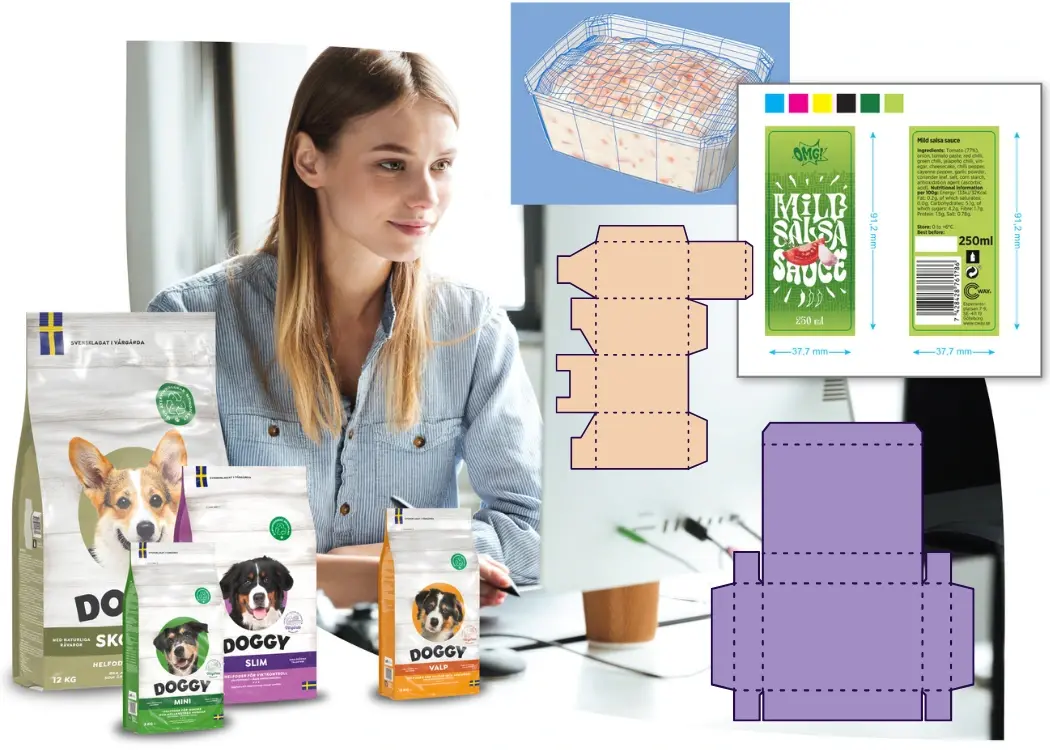
Centralized Dieline Library

Store dielines, design templates, cutter layouts, and packaging structures in easily searchable libraries — ensuring teams never start from scratch or lose time hunting for old assets.

Automated Version Control

Cway tracks every change automatically, ensuring the correct dieline version is always used and reducing the risk of costly mistakes.

Visual Markup & Approval Workflows

Reduces endless attachments and email chains by giving teams a place to comment, review, and approve dielines and artworks with complete traceability.

Structural File Compatibility

Easily upload structural files and connect them to artwork versions for clearer reviews and fewer misunderstandings between designers, agencies, and printers.

Pulse Insights (Optional)

With Pulse analytics, teams can measure:

  • how long dielines spend in review

  • bottlenecks in the artwork lifecycle

  • how variations across markets impact timelines

A more data-driven dieline process means better predictability and fewer surprises.

Creating Dielines — Traditional Workflow vs. Using Cway

Below is a comparison of how dieline creation and management differ with and without an artwork lifecycle platform.

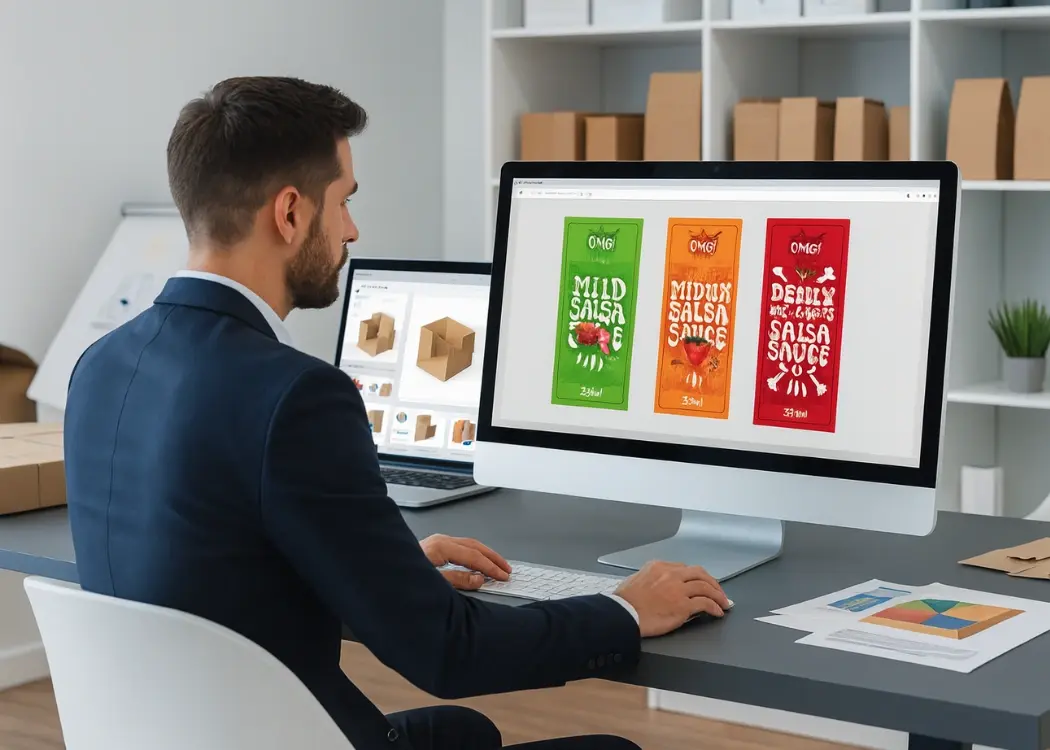
Step 1: Starting with a Template

Traditional approach:
Teams often dig through old project folders, ask suppliers for reference files, or manually recreate dielines in Illustrator — an error-prone and time-intensive task.

With Cway:
Teams access structured libraries of approved dielines and packaging templates, ensuring consistency and eliminating the need to start from scratch.

Step 2: Customizing the Dieline

Traditional approach:
Designers manually adjust lines, measurements, and structural elements, increasing the risk of mistakes or misalignment.

With Cway:
Design and structural assets are stored together, ensuring that designers always work from the correct, approved base file.

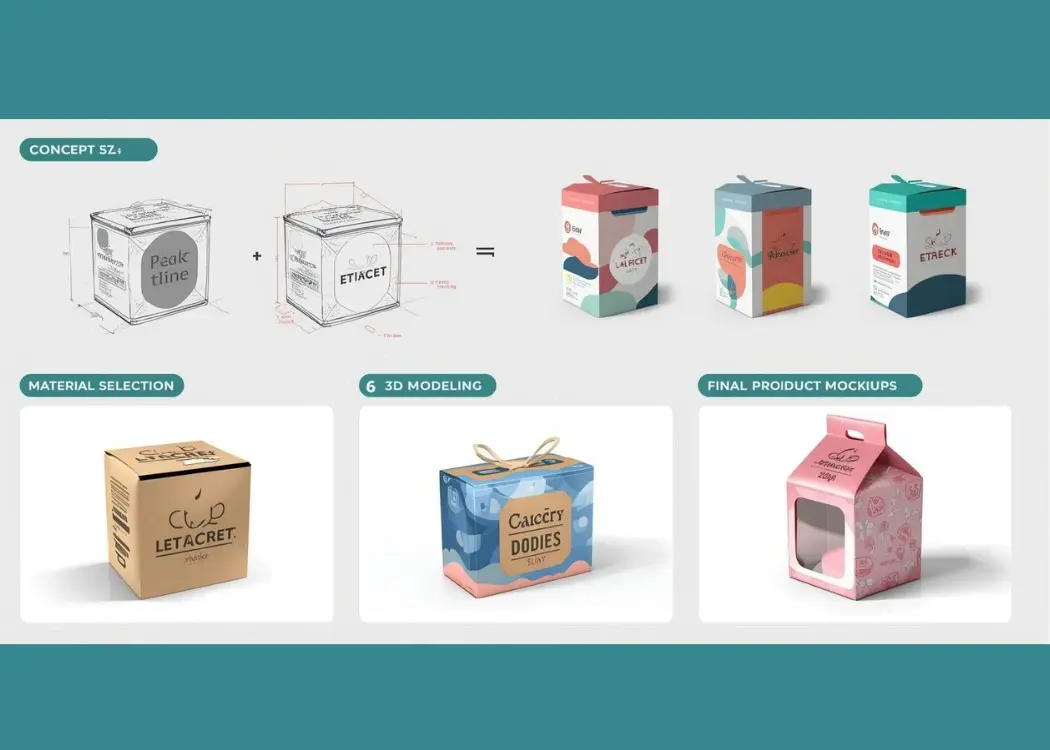
Step 3: Visualizing the Design

Traditional approach:
Requires printed prototypes, mockups, and repeated test fitting — slowing down time-to-market.

With Cway:
Teams can attach visual proofs, 3D previews, or mockup files directly to the artwork workflow, improving clarity and reducing revisions.

Step 4: Approval and Finalization

Traditional approach:
Feedback arrives via spreadsheets, PDFs, email threads, and messaging apps — making it difficult to track decisions.

With Cway:
All comments, versions, decisions, and approvals live in one auditable system. Nothing gets lost, duplicated, or overlooked, reducing risk and speeding up sign-off.

Conclusion

Dieline creation is fundamental to successful packaging development — but when handled manually, it can slow down projects and increase the risk of costly errors.

Cway helps packaging, artwork, and marketing teams:

✓ standardize dieline management
✓ centralize structural assets
✓ automate version control
✓ streamline reviews and approvals
✓ connect dielines to complete artwork lifecycle workflows
✓ gain visibility through Pulse insights

With Cway, packaging teams can move faster, reduce risk, and deliver consistent, print-ready results across every market and product line.


FAQ

Beyond the blueprint: mastering die lines in packaging design

Beyond the blueprint: mastering die lines in packaging design

Understanding die lines in packaging design is crucial to ensuring your artwork prints and folds flawlessly. In this article, we'll break down what...
View Full Article
How to simplify packaging design processes with the right software

How to simplify packaging design processes with the right software

Packaging development is complex—endless revisions, scattered files, and slow approvals. This article shows how software that simplifies structural...

View Full Article
Packaging design version control: best practices to stay on track

Packaging design version control: best practices to stay on track

You’ve probably been there: 10 rounds of artwork edits, 4 people CC’d on a PDF, and a folder full of files named Final_v3_THIS_ONE_USE.pdf....

View Full Article