
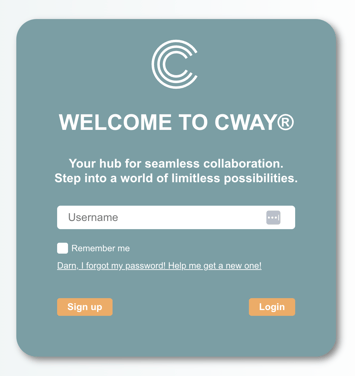
- Click on the link I forgot my password! Help me get a new one!
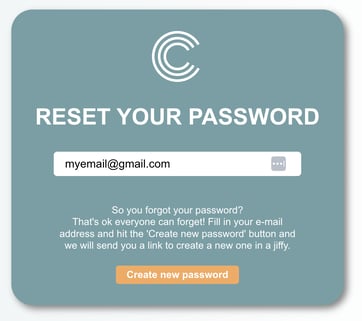
- Enter your email and click the button Create new password.
- You will receive an email from Cway, follow the email instructions to create a new password. If you don’t see it within a few minutes, check your spam or junk folder. Sometimes, email providers may misclassify these messages.
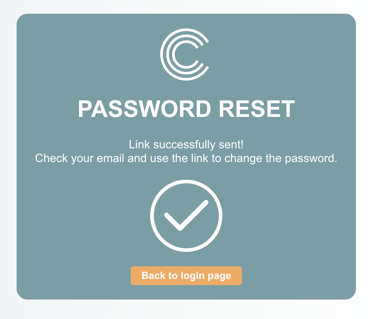
Once your new password is set, return to the login page and sign in using your updated credentials. If you encounter any issues, review the steps again or contact our support team for assistance.