
Yes, you can rotate the artwork.
Click the rotate button in the lower right corner of the Viewer window to adjust the orientation of the image.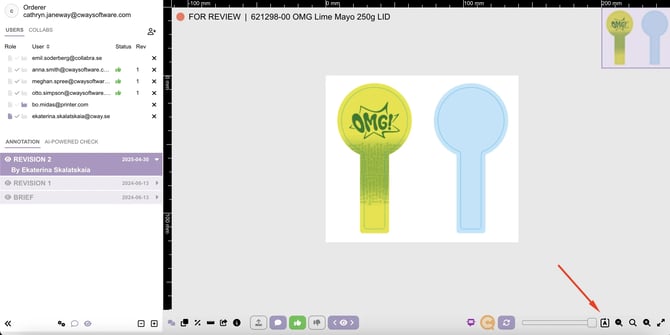
Clicking this button will turn the artwork clockwise, adjusting its orientation so you can review it properly. This is useful if you need to flip, spin, or change the direction of the image while checking packaging details.
Want more tips and tricks? Visit our YouTube channel where we have collected all of our short How To's. Subscribe to be the first to know when a new video is up.