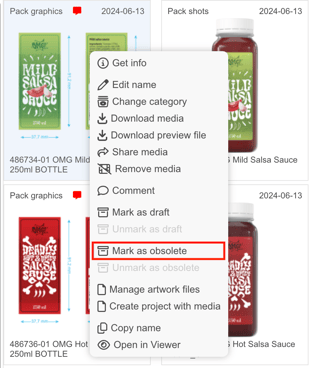
Mark artwork obsolete (inactive) in Brand Studio 360 (Media Center)
Right-click the icon of the artwork and choose the alternative Mark as obsolete.
Watch this short clip to learn how to use the Obsolete feature in Media Center:
Want more tips and tricks? Visit our YouTube channel where we have collected all of our short How To's. Subscribe to be the first to know when a new video is up.