
To search for a particle item in Brand Studio 360 (Media Center), write parts of product name, article number, material number, etc or the whole name of the item you want to find in the search field.
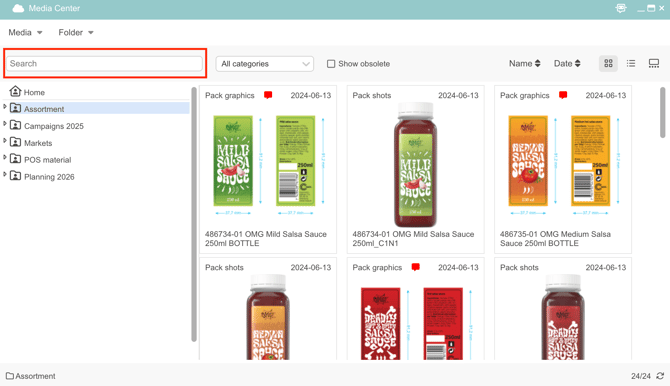
If you want to search in a specific folder, mark the folder.
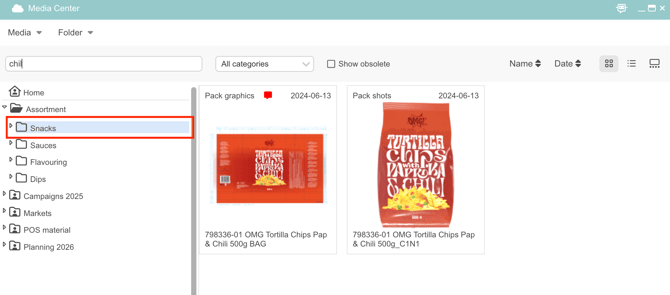
NB: Write the part of the name that doesn't contain any spaces. If a space is used, Brand Studio 360 (Media Center) will display all search results for both words.
If you don’t see the artwork you're looking for, check if it's marked as obsolete by ticking the "Show Obsolete" checkbox.
Watch this short clip to learn how to sort artworks Brand Studio 360 (Media Center) in Cway:
Want more tips and tricks? Visit our YouTube channel where we have collected all of our short How To's. Subscribe to be the first to know when a new video is up.