
In Brand Studio 360 (Media Center) you can track where the artwork comes from, who approved it and when. Here's how you do:
-
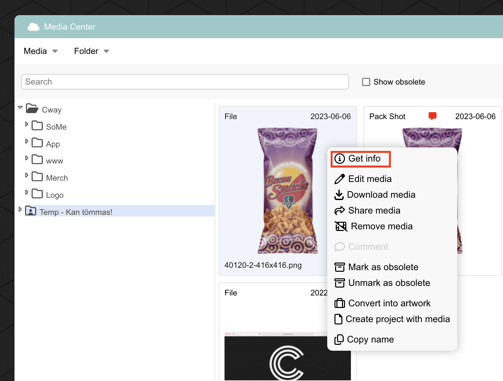
In Brand Studio 360 (Media Center), select an artwork and right click. Select 'Get info'
-
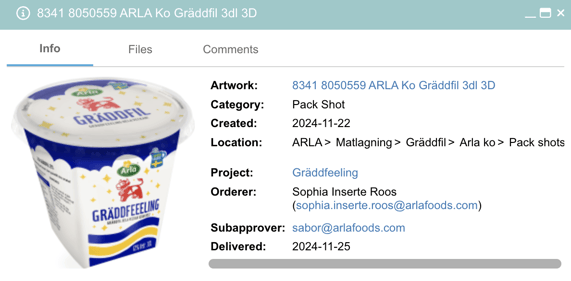
You'll find all the information about the artwork, including the project, names, revisions, and dates.
Want more tips and tricks? Visit our YouTube channel where we have collected all of our short How To's. Subscribe to be the first to know when a new video is up.