2 min read

February 2026 Release: Cway Improvements That Make a Difference

February 2026 Release: Cway Improvements That Make a Difference
What’s new in Cway: smarter PDF exports & approval transparency
3:52

At Cway, major innovation doesn’t happen once or twice a year — it’s continuous.

While significant feature releases are on the horizon, we’re constantly refining and strengthening the platform to improve clarity, transparency, and workflow efficiency across artwork and project management.

Here’s what you may have already noticed.

Cleaner, Smarter PDF Exports with Comments

Exporting artwork with comments is now more professional, flexible, and aligned with standard PDF functionality.

Optional Names and Dates in Comment Exports

When exporting a PDF with comments, you’ll now see a dialog allowing you to decide whether commenter names and timestamps should be included.

This gives you full control depending on the purpose of the export:

  • Keep names and dates for internal documentation
  • Remove them for external sharing or customer-facing communication

The export adapts to your audience.

Native PDF Annotations

We’ve also improved how comments are embedded in exported PDFs.

Instead of generating a separate summary page at the beginning of the file, comments now use the PDF’s built-in annotation functionality.

What this means:

To see the comments, simply enable annotations in your PDF Viewer.

The result is a more streamlined and industry-standard export experience.

Movable Dialog Windows for Greater Flexibility

Dialogs across the platform are now movable.

When reviewing artwork or managing project details, you can reposition dialogs to avoid blocking key information and adapt the interface to your workflow.

It’s a simple improvement — but one that makes daily work more fluid and intuitive.

Full Approval Transparency — Even Within Teams

Approval visibility has been enhanced in Project View.

When hovering over approvers, you now see a complete breakdown of results — including individual team member decisions within team-based approvals.

Previously:

  • Individual approvers displayed their selected result
  • Teams showed only the overall team result

Now:

  • The team result is visible
  • Individual team member responses are also displayed

This adds a new level of transparency to complex approval workflows and provides clearer insight into how final decisions are formed.

More Control in Brand Studio 360

Brand Studio navigation has been improved to give you greater control and stability.

You can now:

  • Reorder folders to better reflect your structure
  • Navigate without the folder tree resetting or collapsing after updates

The folder hierarchy now remains stable during updates, reducing disruption and improving workflow continuity.

Improved Discoverability of Reports in Pulse

Pulse analytics continue to evolve.

Previously, some statistics in the Pulse tab were interactive — but not clearly identifiable as clickable elements leading to detailed reports.

To improve clarity and navigation:

  • These interactive statistics are being integrated more clearly into the Reports section
  • Reporting functionality is now positioned where users intuitively expect to find it

This ensures better discoverability and a more consistent user experience across the platform.

Continuous Platform Evolution

At Cway, innovation isn’t limited to major feature launches.

We continuously refine:

These enhancements strengthen the foundation of artwork lifecycle management — making the platform more efficient, more transparent, and more intuitive every day.

And while larger advancements are on the way, these ongoing improvements ensure that your daily workflows keep getting better.


Cway launch May 2023

Cway launch May 2023

Woop woop to yet another Cway release 🎈🥁🎈🥁
View Full Article
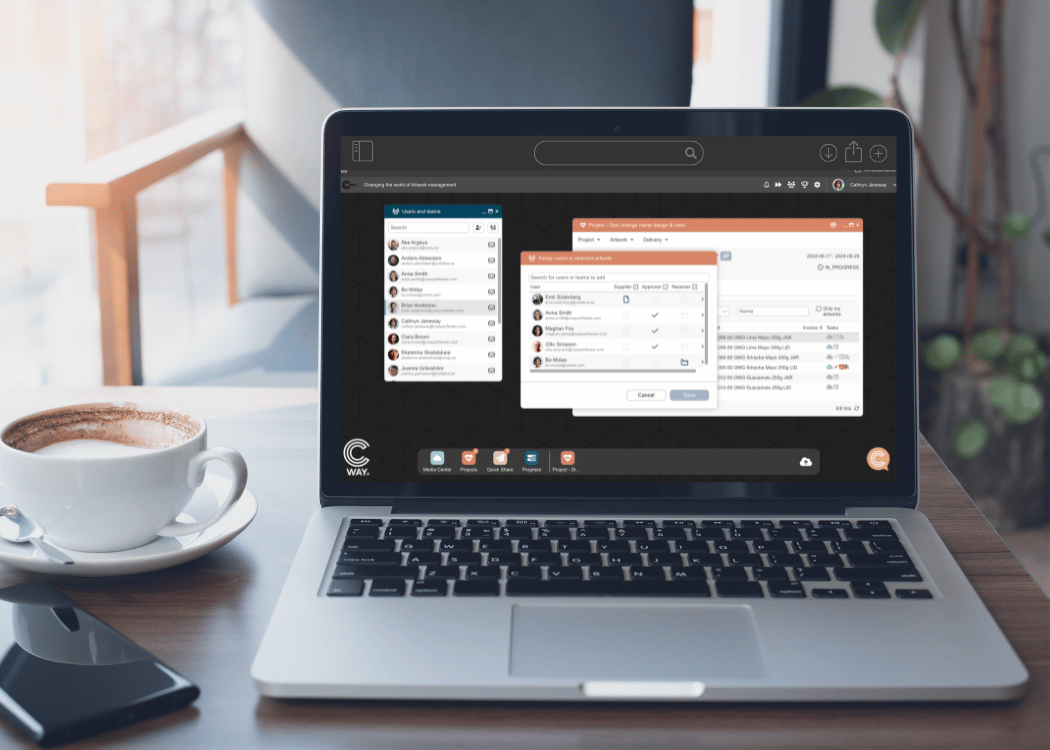
Introducing smarter, more flexible team management in Cway

Introducing smarter, more flexible team management in Cway

Managing packaging artwork projects often requires multiple teams, many reviewers, and different approval stages. To support the complexity of modern
View Full Article
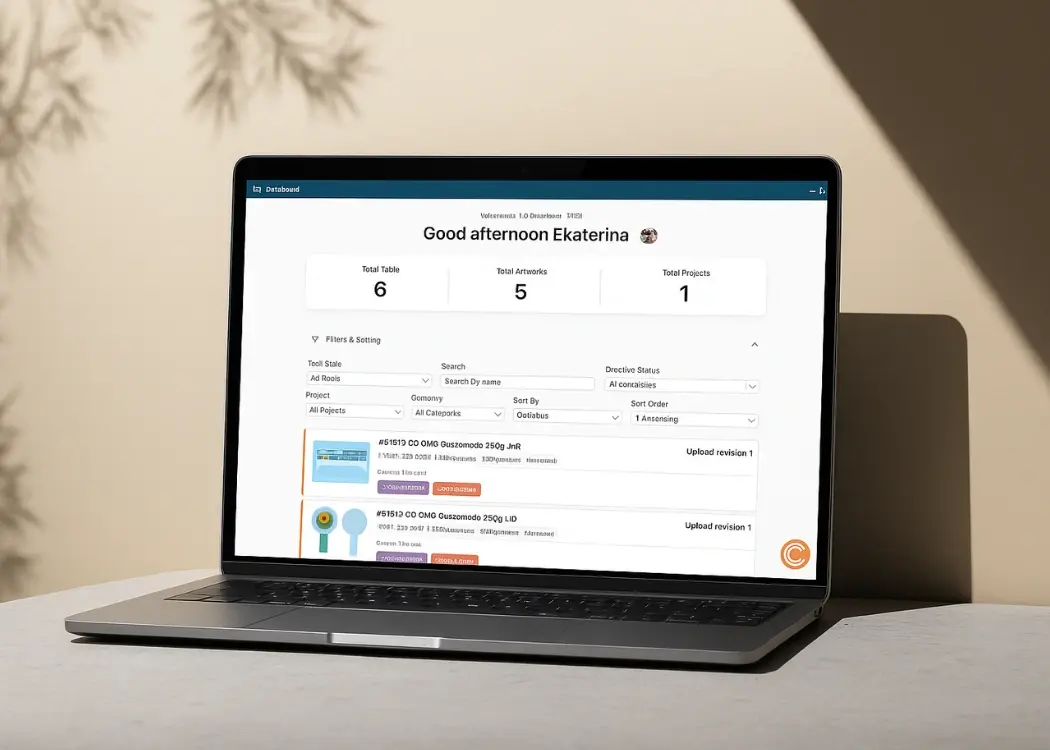
Introducing the new Cway dashboard

Introducing the new Cway dashboard

The new Cway Dashboard replaces the old table-based layout with a clean, task-oriented interface that helps you stay organized and make decisions...

View Full Article