Cway vs Bynder for Packaging Teams:

DAM vs Artwork Management Compared (2026)

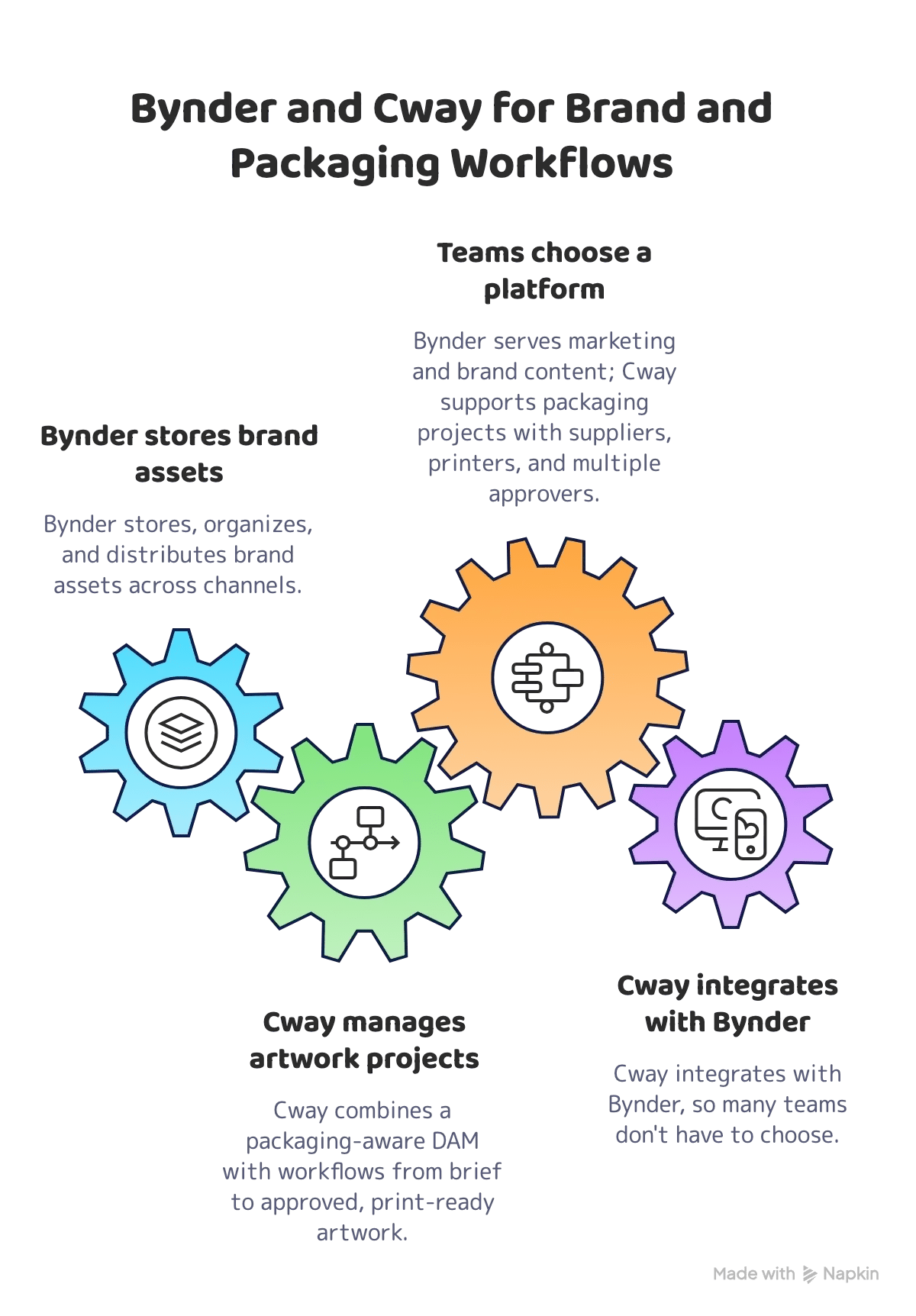
Bynder and Cway for Brand and Packaging Workflows


Bynder is one of the leading digital asset management (DAM) platforms for marketing and brand teams. It excels at storing, organizing, and distributing brand assets — logos, campaign visuals, video, brand guidelines — across channels.

Cway is an artwork management platform built for CPG and FMCG packaging teams. It combines a packaging-aware DAM with the workflow around it: briefs, projects, online proofing, parallel approvals, external collaboration, and a full audit trail — from brief to approved, print-ready artwork.

If you need a central hub for marketing and brand content, Bynder does that job well. If you need to run packaging artwork projects with suppliers, printers, and multiple approvers, Cway is built for that workflow. And because Cway integrates with Bynder, many teams don't have to choose.

Who This Comparison Is For

This page is for:

  • Packaging and brand teams evaluating Cway vs Bynder before purchase
  • Teams using Bynder for packaging artwork approvals and running into workarounds
  • Companies looking for a Bynder alternative for packaging workflows
  • Buyers deciding whether to replace their DAM or add a packaging workflow layer next to it


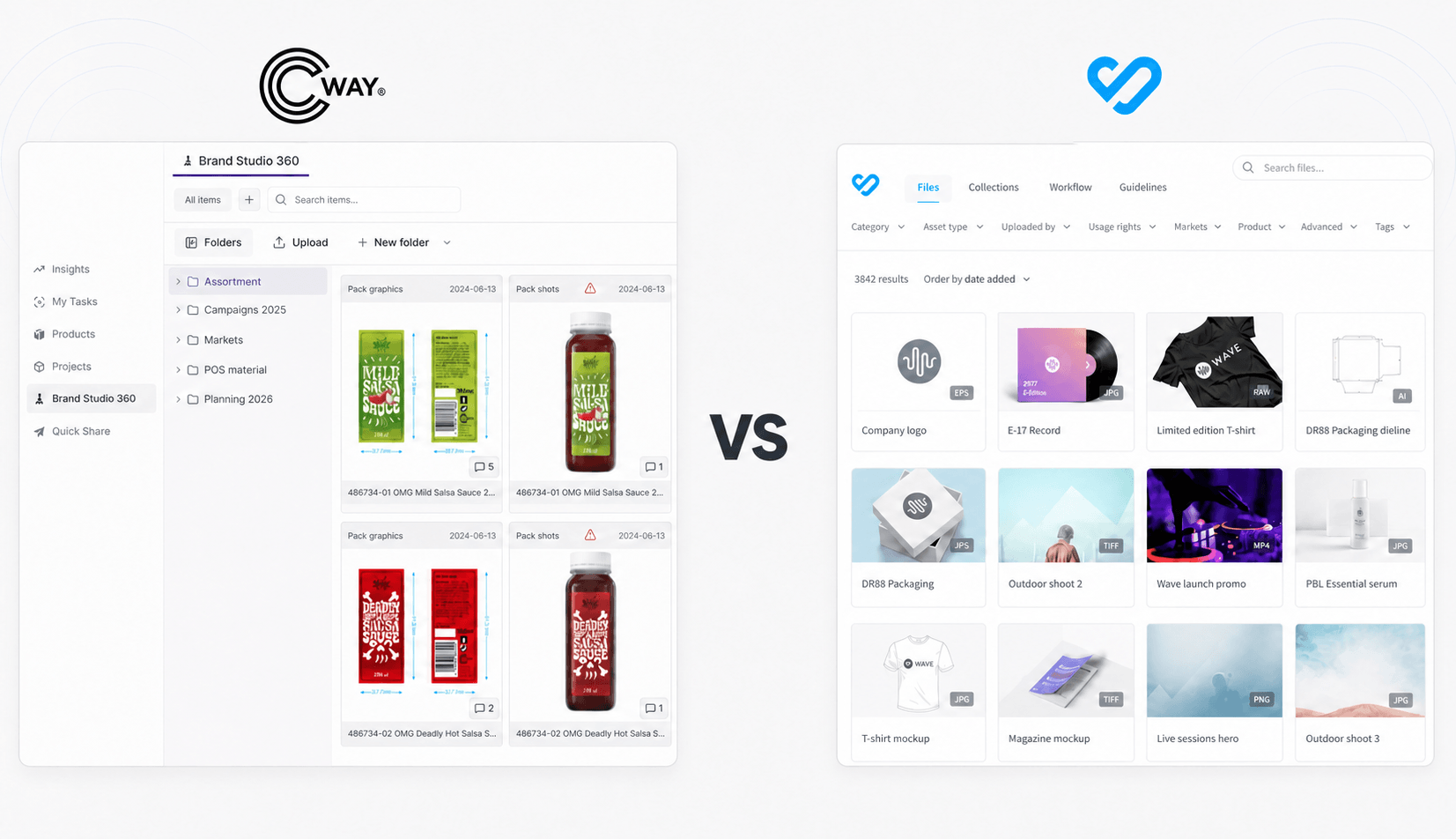
Vs Sign In Isolated Background


Your company already has a DAM. Logos, product photos, and brand guidelines live in Bynder, and it works. So when the packaging team needs a place to manage artwork, the obvious answer is: "Let's put it in Bynder too."

Six months later, the packaging team is grouping print PDFs and working files by hand, chasing approvals over email, sending printers download links with no approval context, and keeping a spreadsheet to track which version is actually final.

That's not a Bynder problem. It's a category problem. A DAM is built to store and distribute finished assets. Packaging artwork is a project with a lifecycle — brief, design rounds, multi-stakeholder review, supplier handoff, and an approval record you can prove months later.

This comparison is built around that distinction: not "which tool stores files better," but which kind of system your packaging process actually needs.


Cway vs Bynder: Feature Comparison

This table covers the criteria that matter most for packaging artwork teams. We've been as honest as we can be — including where Bynder is stronger.

Feature / Criteria Cway Bynder
Primary use case Packaging artwork lifecycle management Digital asset management for marketing & brand
Target team Packaging, brand & operations teams Marketing, brand & creative teams
Digital asset management (DAM) ✅ Built-in, artwork-focused (Brand Studio) ✅ Core product, enterprise-grade
Brand guidelines portal ⚠️ Not a core feature ✅ Core feature
Templates for marketing content (banners, social) ❌ Not available ✅ Studio module
Video & broad marketing asset types ✅ Strong ✅ Strong
Artwork as a connected file set (print PDF + working files + resources) ✅ One versioned artwork object ❌ Files are independent assets
Automatic file sorting by artwork and file type ✅ By filename on upload ❌ Manual tagging / structuring
Project brief ✅ Built-in, incl. automated kickoff brief from library files ⚠️ Job briefing forms in workflow add-on
Packaging project workflow ✅ Core product ⚠️ Generic creative workflow (add-on module)
Approval model ✅ Parallel approvals with per-approver logging ✅ Multi-step approval flows (add-on module)
Online proofing & annotation ✅ Built-in, packaging artwork viewer ⚠️ Not a core feature
Version comparison ✅ Side-by-side, overlay, differences ⚠️ Version history, limited visual compare
Barcode detection & GTIN decoding ✅ Automatic, with GTIN search across the library ❌ Not available
AI on artwork ✅ Text extraction, spell-check, translation; plain-language rule checks ✅ AI for asset tagging, search & content
External collaboration (agencies, suppliers, printers) ✅ Secure links, no seat tax ✅ Guest access & file transfer (Bynder Express)
Audit trail ✅ Full, end-to-end on every action ⚠️ Approval & activity history within modules
Workflow analytics ✅ Bottlenecks, cycle times, workload ⚠️ Asset usage analytics, less workflow-focused
Integrations Bynder, Slack, Blikk ERP, open API & webhooks Broad ecosystem (Adobe CC, CMS, PIM, e-commerce)
Setup time 2–4 weeks Varies by modules and scope
Pricing model Modular SaaS — Starter, Pro, Enterprise Custom quote, modular add-ons
Pricing transparency ✅ Published on website ❌ Sales-led only

The Core Difference: Asset Library vs Artwork Workflow

Bynder answers the question: "Where is our approved brand content, and who can use it?" It's a library and distribution layer — and a very good one.

Packaging teams need an answer to a different question: "Where is this artwork right now, who still needs to approve it, and which version goes to the printer?"

Packaging artwork isn't a single finished asset. It's a set of files — print PDF, working files (AI, INDD, PSD), fonts, and graphic resources — that moves through briefing, design rounds, review by marketing, quality, regulatory, and legal stakeholders, and finally a supplier or printer handoff. Every round creates a new version, and every decision needs to be traceable.

Bynder manages the assets.

Cway manages the artwork and the process around it.


This isn't a criticism of Bynder. It's a product built for a different job. The problem starts when packaging workflows are pushed into a marketing DAM and the gaps get patched with email, spreadsheets, and manual file handling.

Key Differences Explained

1. Artwork Structure

In Bynder — as in most DAMs — every file is an independent asset with its own metadata. In Cway, a packaging artwork is one versioned object that keeps the print PDF, working files, and resource files connected. When a new revision comes in, the whole set moves together. When you upload a batch, Cway recognizes files by name and sorts them into the right artwork and file type automatically.

2. Workflow Built for Packaging Projects

Bynder's workflow modules are designed for general creative content: requests, reviews, and approvals of marketing assets. Cway is built around packaging projects: start a project from library files and get an automated kickoff brief with all comments, assign approvers and receivers, track status across artworks, and send automatic reminders to whoever is holding things up. Custom artwork type categories let you structure projects the way your packaging portfolio actually works. See workflow automation.

3. Approvals Without Bottlenecks

Cway runs approvals in parallel: marketing, quality, regulatory, and other stakeholders review the same version at the same time, and every decision is logged per approver. Nobody waits for someone else's step to finish before they can start. Reviewers annotate directly on the artwork and compare versions side by side, as an overlay, or as highlighted differences.

4. Packaging-Specific Checks on the Artwork

Cway's artwork viewer understands packaging content. It detects barcodes automatically, decodes GTINs, and lets you search the whole library by GTIN. AI features help reviewers check the text on pack: extracting text into blocks for spell-check and translation, and checking artwork against rules your team writes in plain language. Bynder's AI is aimed at asset management — tagging, search, and content creation — not at reviewing packaging artwork.

5. External Collaboration and Traceability

Both platforms let you share files with external partners. Bynder Express is a general-purpose transfer tool for large files. In Cway, agencies, suppliers, and printers work on the artwork itself through secure links — viewing, annotating, and approving in context — with no per-seat cost for external users. Every action is logged, giving you a full audit trail of who approved which version and when.


Integrate or Replace?

There isn't one right answer. It depends on how your organization uses Bynder today.

Keep Bynder and Add Cway If...

Bynder is your enterprise DAM for brand assets, logos, campaign content, video, and brand guidelines — and it's working. In that case, keep it. Cway integrates with Bynder, so Bynder stays the central brand hub while Cway runs packaging artwork projects, reviews, and approvals.

Talk to our team about a Bynder integration setup →

Replace Bynder for Packaging If...

Your team mainly uses Bynder as a place to manage packaging artwork approvals, and the workflow depends on workarounds. Typical warning signs:

  • Print PDFs, working files, and resources have to be grouped by hand
  • Approvals are coordinated over email or chat
  • Printers and suppliers receive files without the approval context
  • The same artwork gets uploaded several times in different places
  • It's hard to tell the final approved version from earlier rounds
  • You can't easily prove who approved what when a reprint question comes up

In that situation, a platform built for packaging artwork removes those steps instead of adding more process around them. Our guide How to replace Bynder or Widen with Cway in 7 steps walks through the migration.


Who Should Choose Cway

Cway is the right choice when:

  • Your team manages packaging artwork from brief to approved, print-ready file
  • You work with external agencies, suppliers, co-manufacturers, or printers
  • Several departments need to approve each artwork — without waiting in line
  • You need a full audit trail for every version and approval decision
  • You are a CPG, FMCG, Food & Beverage, Cosmetics, or Retail brand
  • You are replacing email approvals, shared folders, or spreadsheet tracking
  • You want transparent SaaS pricing and a go-live in weeks


Who Should Choose Bynder

Bynder is the right choice when:

  • You need an enterprise DAM for marketing and brand content across many channels
  • Brand guidelines and brand portals are central to how you work
  • Your teams produce large volumes of marketing content from templates
  • Video and campaign assets are a big part of your library
  • You need deep integrations with marketing tech: CMS, e-commerce, Adobe Creative Cloud
  • Packaging artwork is a small part of your asset work — or you plan to add Cway next to it


Pricing Comparison

Pricing differs not just in cost, but in how transparent it is and what is included in the base package.


Cway

Bynder

Pricing model

Modular pricing with three package levels — Starter, Pro, and Enterprise

Custom quote based on users, storage, and modules

Entry cost

From €450 / month

Not public — contact sales

Typical annual spend

Published plans

⚠️ Independent benchmarks put average SMB contracts around $34K/year and enterprise around $125K/year (SpendHound, 2026)

Workflow features

✅ Included

⚠️ Workflow is a separate add-on module

External users

✅ No seat tax

⚠️ Depends on contract

Pricing transparency

✅ Published on website

❌ Sales-led only

Demo

✅ Demo available

✅ Via sales


The right cost comparison isn't license price alone. If you already pay for Bynder, the question is what it costs to run packaging artwork through it: hours spent grouping files, chasing approvals, fixing version mix-ups, and handling reprints. Adding Cway next to Bynder, or moving packaging out of it, is often cheaper than expanding DAM modules to cover a workflow they weren't designed for.


Real-World Scenario: Which Platform Wins?

Scenario

Better fit

Why

Global brand with Bynder as enterprise DAM, packaging team approving artwork over email

✅ Bynder + Cway

Bynder stays the brand hub; Cway runs packaging projects and approvals via integration

FMCG brand, 80 SKUs, artwork approved by marketing, quality and regulatory, printers get files by email

✅ Cway

Parallel approvals, logged decisions, printers work from the approved version

Marketing team managing campaign assets, social content and video across regions

✅ Bynder

Built for distributing brand and marketing content at scale

Mid-market food brand using Bynder mainly to store and approve packaging files

✅ Cway

Removes the workarounds; packaging-aware DAM included

Cosmetics brand working with an external design agency and several printers

✅ Cway

External collaboration on the artwork itself, no seat tax

Company needing brand portals and template-based content for local teams

✅ Bynder

Brand guidelines and Studio templates are core strengths


See how Cway compares for your team

Get a 30-minute demo tailored to your packaging workflow — no sales pitch, just the platform

Book a Demo

FAQ