Okapi: Print-Ready GS1 Barcodes, Checked Before They Reach Print
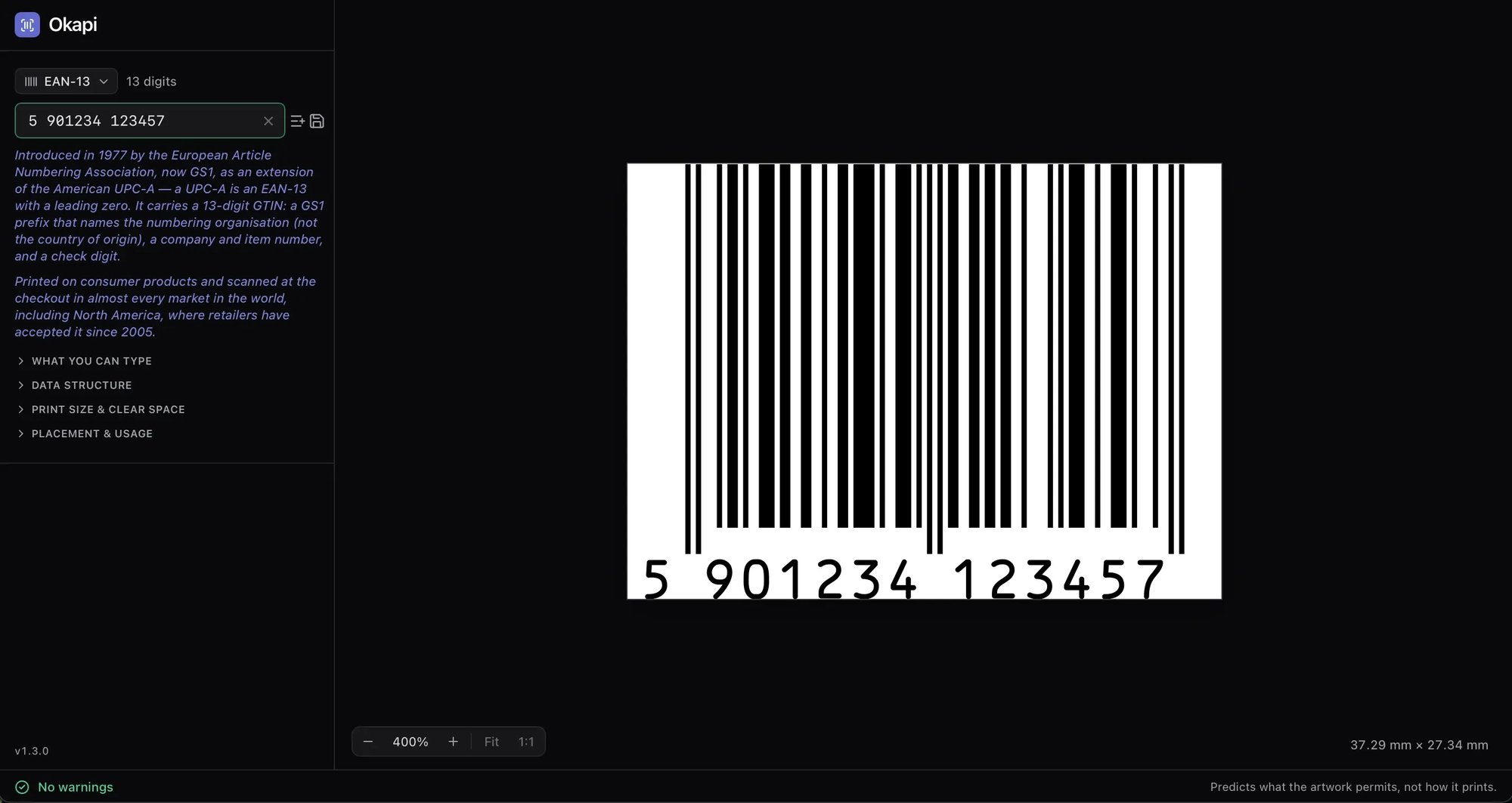
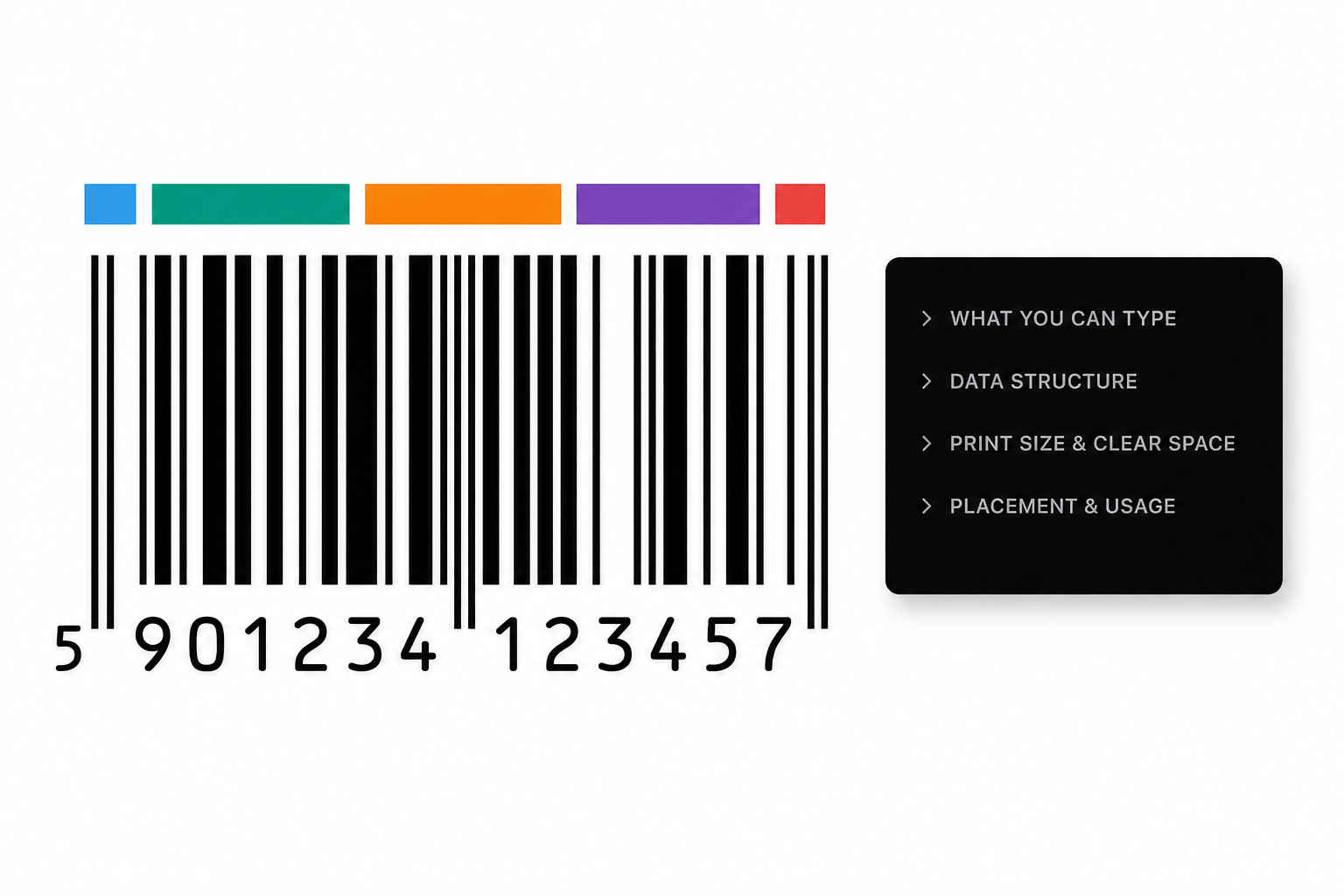
Okapi is a free Mac app for packaging designers. Create GS1-128, GS1 DataMatrix and other barcodes, validate them against GS1 rules, and drag them into Illustrator or InDesign as editable vector artwork.
Retail is moving from the classic 1D barcode to 2D codes that carry more data. Regulation is moving the same way. Every new code on a pack is a new chance to get size, data or placement wrong.
GS1 Sunrise 2027
By the end of 2027, retail checkouts are expected to scan 2D barcodes such as GS1 DataMatrix and QR codes with GS1 Digital Link. Brands are already adding them to packs.
PPWR
The EU Packaging and Packaging Waste Regulation applies from August 2026. It introduces harmonised labelling and allows packaging information to be given through a QR code or another digital data carrier.
Errors are expensive
A barcode with the wrong check digit or no quiet zone can mean a reprint, a delisting, or a pallet that won't scan at the warehouse. Catch it in the design file, not on the press.
Choose the barcode type, enter your data, and drag the finished code into your design file. Okapi validates everything as you go.
STEP 1 — CHOOSE
Pick the barcode type
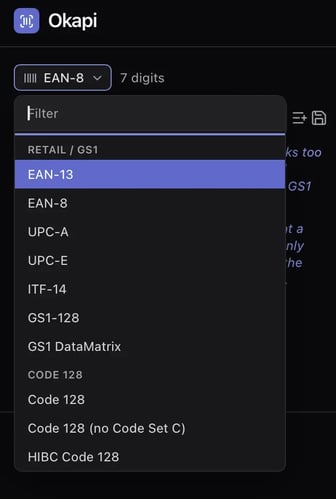
Choose from GS1-128, GS1 DataMatrix, EAN and more. Each type comes with its own rules for data, print size, clear space and placement, built right into the app.
STEP 2 — ENTER
Type your data, or paste a whole column
Enter the GS1 element string with Application Identifiers, like (01)09506000134352(10)ABC123. Okapi validates as you type.
Have a list? Paste a column from a spreadsheet and Okapi opens the batch editor, so you can click through and check every code.
STEP 3 — DRAG
Drop it into your artwork
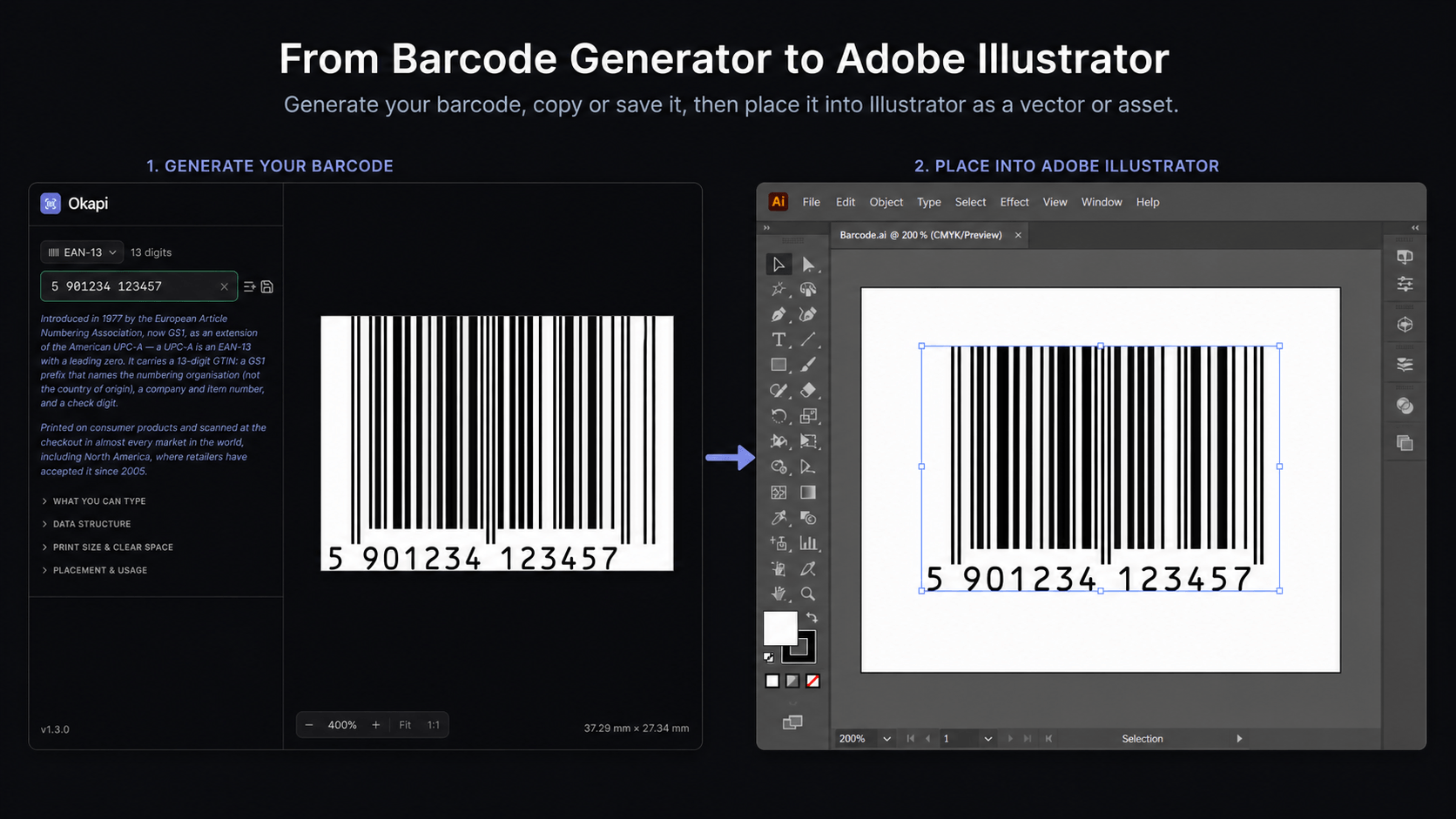
Drag the barcode into Illustrator or InDesign. It lands as editable vector artwork with its spot colour and overprint intact.
Need a file instead? Drop it on the desktop to save a PDF named after its data.
THE RULES, RIGHT WHERE YOU WORK
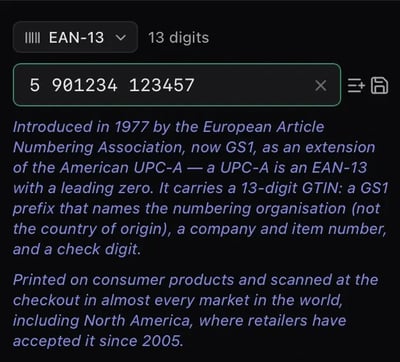
Every barcode type, explained in the app
Each barcode type comes with its history, what it carries, where it's used, and its rules for data, print size, clear space and placement. No more digging through GS1 PDFs mid-project.
FEATURES
Everything a Packaging Barcode Needs. Nothing It Doesn't.
GS1 validation built in
Type the element string with Application Identifiers, like (01)09506000134352(10)ABC123. Okapi checks it against GS1 rules. Unknown AIs and wrong data lengths are refused. Wrong check digits and invalid dates are flagged.
The right size for where it's scanned
Print sizes and quiet zones follow the GS1 tables for each scanning environment, from retail POS to logistic units and SSCC labels. Okapi also warns when a GS1-128 is longer than GS1's 165.10 mm limit.
Warnings that point to the fix
Every warning links to the setting it is about. Click it, and Okapi opens and highlights that setting, so you fix the problem instead of hunting for it.
Batch codes in seconds
Paste a column from a spreadsheet and Okapi opens the batch editor. Click through every code and check each one before it goes into the artwork.
Beyond the barcode
The Barcode Is One Element. Cway Handles the Whole Artwork.
A correct barcode is a good start. A pack also has legal text, allergens, translations, recycling labels and a dozen approvers.
Cway is the artwork lifecycle management platform that keeps all of it in one place, from brief to print-ready file, with every change tracked and every approval on record.
Online proofing and approval workflows
Version control for every artwork
One place for brand, regulatory and supplier teams
Okapi runs on macOS with Apple Silicon (M-series) chips. Windows users can join the waitlist below.
GS1 Sunrise 2027 is an industry goal for retail point-of-sale systems to read 2D barcodes, such as GS1 DataMatrix and QR codes with GS1 Digital Link, by the end of 2027, alongside the traditional EAN/UPC barcode.
PPWR introduces harmonised labelling for packaging in the EU. It allows, and in some cases requires, information to be provided through a QR code or another digital data carrier. Most labelling requirements apply from 2028. Okapi helps you create correct GS1 codes. It does not assess PPWR compliance on its own.
Yes. Drag the barcode into your document and it arrives as editable vector artwork, with spot colour and overprint preserved.
Yes. Okapi validates Application Identifiers, data length, check digits and dates against GS1 rules, and warns when a GS1-128 is longer than GS1's 165.10 mm limit.
Okapi is a standalone app. It works without a Cway account. Cway is our platform for managing the full packaging artwork lifecycle.