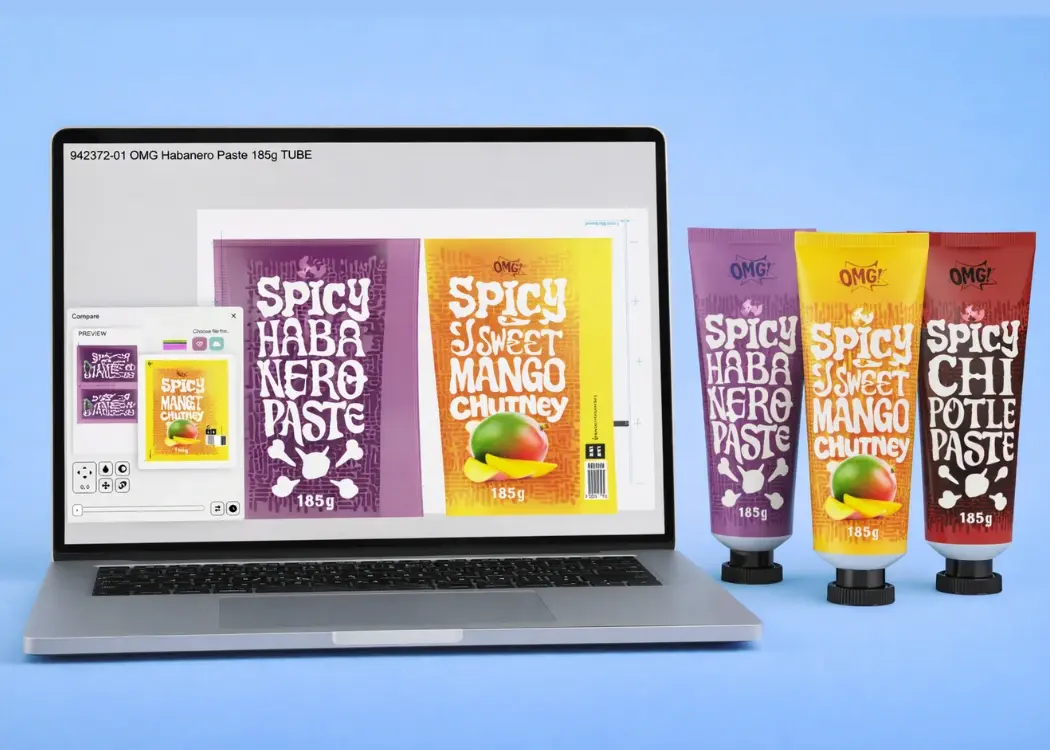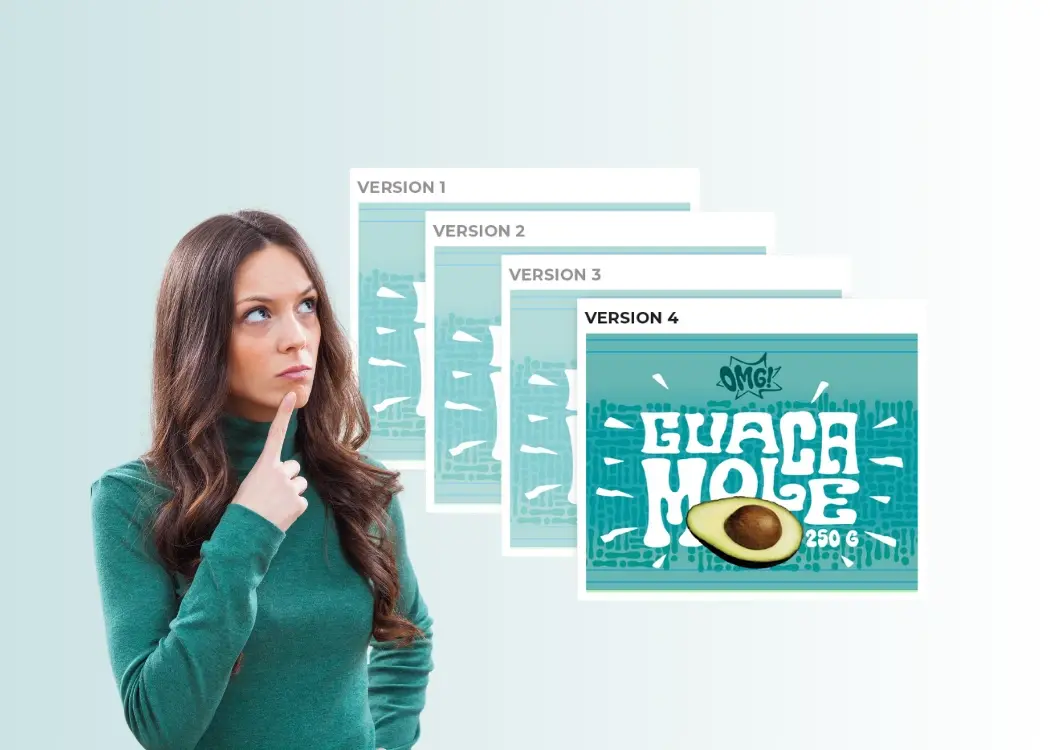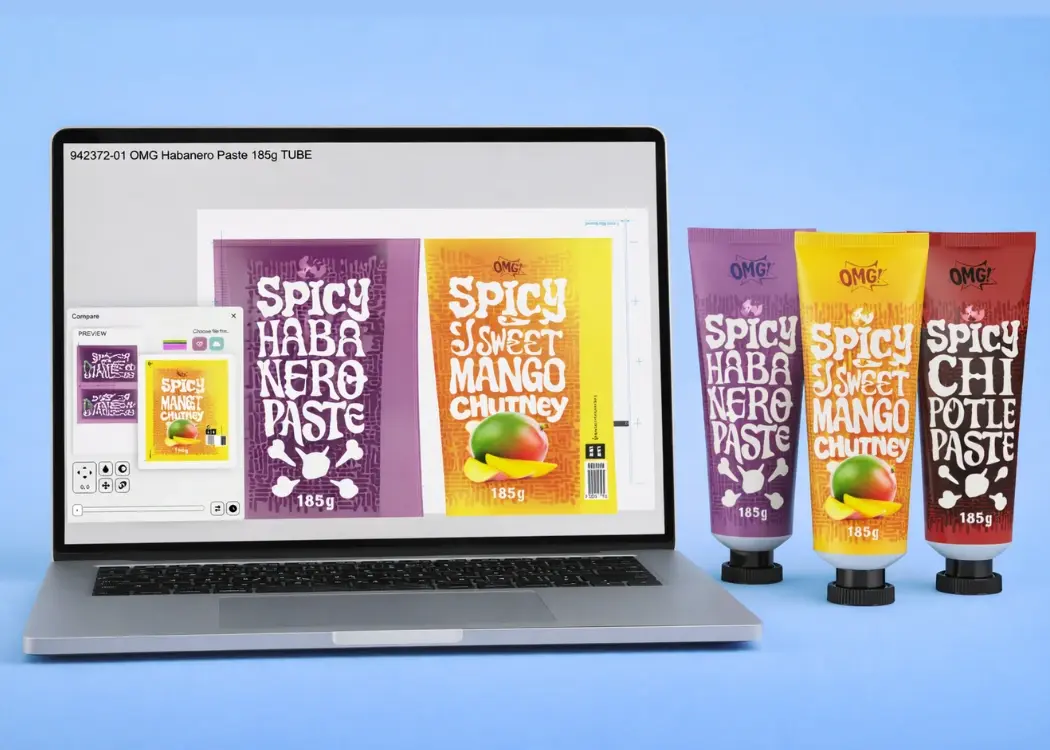
Packaging design version control: best practices to stay on track
You’ve probably been there: 10 rounds of artwork edits, 4 people CC’d on a PDF, and a folder full of files named Final_v3_THIS_ONE_USE.pdf....
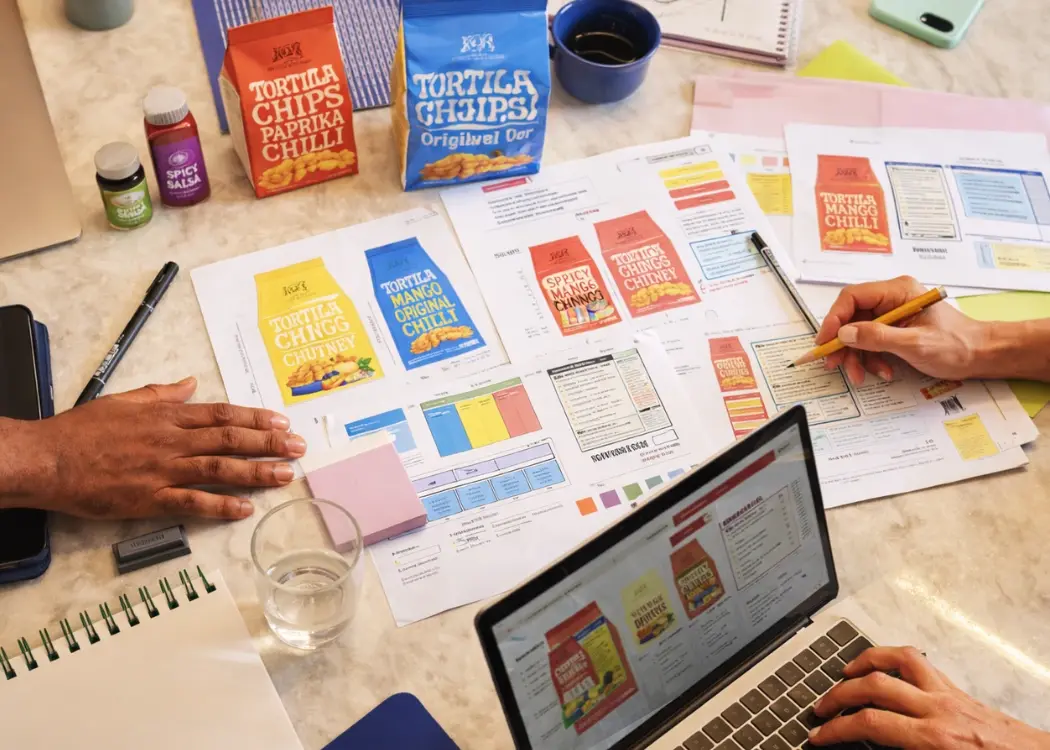
Managing multiple packaging versions is one of the most complex challenges for modern product teams. As product lines expand, regulations evolve, and markets diversify, keeping packaging accurate and consistent becomes increasingly difficult.
This guide explains how to implement effective packaging version control, reduce errors, and build a scalable workflow.
Packaging version management refers to the process of organizing, tracking, and controlling different versions of packaging assets throughout their lifecycle.
Each product may have multiple packaging variations due to:
Without proper packaging artwork management, teams quickly lose track of which version is correct, approved, and ready for production.
Each SKU often requires unique packaging. Multiply that across product lines, and complexity grows exponentially.
Different countries require different labeling, claims, and legal information, increasing version count.
Marketing campaigns, rebranding, and product changes constantly introduce new versions.
Designers, regulatory teams, marketing, and suppliers all interact with packaging files—often without a unified system.
Packaging errors are rarely random—they are usually the result of broken processes.
Typical issues include:
“Most packaging errors don’t come from design—they come from poor version control.”
Even small mistakes in packaging can lead to serious consequences:
Poor version control is one of the main reasons behind product launch delays → (internal link: SKU delays article).
It becomes even more critical during seasonal SKU launches, where timelines are tight and errors are costly.
A structured packaging workflow is essential to avoid chaos.
Define requirements: SKU, market, language, compliance needs.
Create initial artwork based on the brief.
Generate variations for different markets, formats, or SKUs.
Internal teams validate content, design, and structure.
Stakeholders sign off using a formal artwork approval process.
Regulatory checks ensure packaging meets legal requirements.
Approved files are locked and prepared for production.
“Version control is the backbone of any successful packaging workflow.”
Avoid scattered files across emails and folders. Use a centralized system like digital asset management platforms
Implement clear naming conventions and version tracking within packaging artwork management
Define clear steps and responsibilities in your artwork approval process
Ensure every change is logged and traceable.
Manual processes increase the risk of human error and file duplication.
“The more packaging versions you manage, the higher the risk of errors—unless your process is structured.”
Modern teams rely on specialized tools to reduce complexity:
These tools automate processes, improve visibility, and reduce dependency on manual coordination.
Cway provides an integrated platform designed specifically for packaging teams.
With Cway, you can:
The platform eliminates manual processes, reduces errors, and accelerates approvals.
Imagine a company launching a product in 10 countries with:
Without a structured system:
With a centralized workflow:
Result: faster launches and fewer errors.
| Problem | Cause | Solution |
|---|---|---|
| Wrong version used | Poor file management | Centralized system |
| Delayed approvals | Manual workflows | Automation |
| Compliance errors | Late validation | Early checks |
Managing multiple packaging versions requires centralized assets, structured workflows, and automated approvals to reduce errors and ensure compliance.
You’ve probably been there: 10 rounds of artwork edits, 4 people CC’d on a PDF, and a folder full of files named Final_v3_THIS_ONE_USE.pdf....
Packaging artwork files are one of the most critical assets in product development. Labels, cartons, flexible packaging, and regulatory information...
Managing packaging design today involves far more than simply creating visual assets. From regulatory checks to version tracking and approvals, the...