6 min read
Cway vs Bynder: which platform fits your packaging artwork workflow?
Ekaterina Skalatskaia
:
August 17, 2026
Bynder is a strong, well-established Digital Asset Management (DAM) platform. Brands use it every day to store logos, brand guidelines, and marketing content. But when brand teams and manufacturers start managing packaging artwork specifically, they often run into gaps that a general-purpose DAM was never built to close.
This page breaks down where Bynder and Cway overlap, where they diverge, and how to think about integration versus replacement depending on how your team actually uses Bynder today.
Bynder vs Cway: The Short Answer
Bynder is primarily a general-purpose DAM for managing brand and marketing assets. Cway is purpose-built for managing the packaging artwork lifecycle from artwork creation through approval and print-ready delivery.
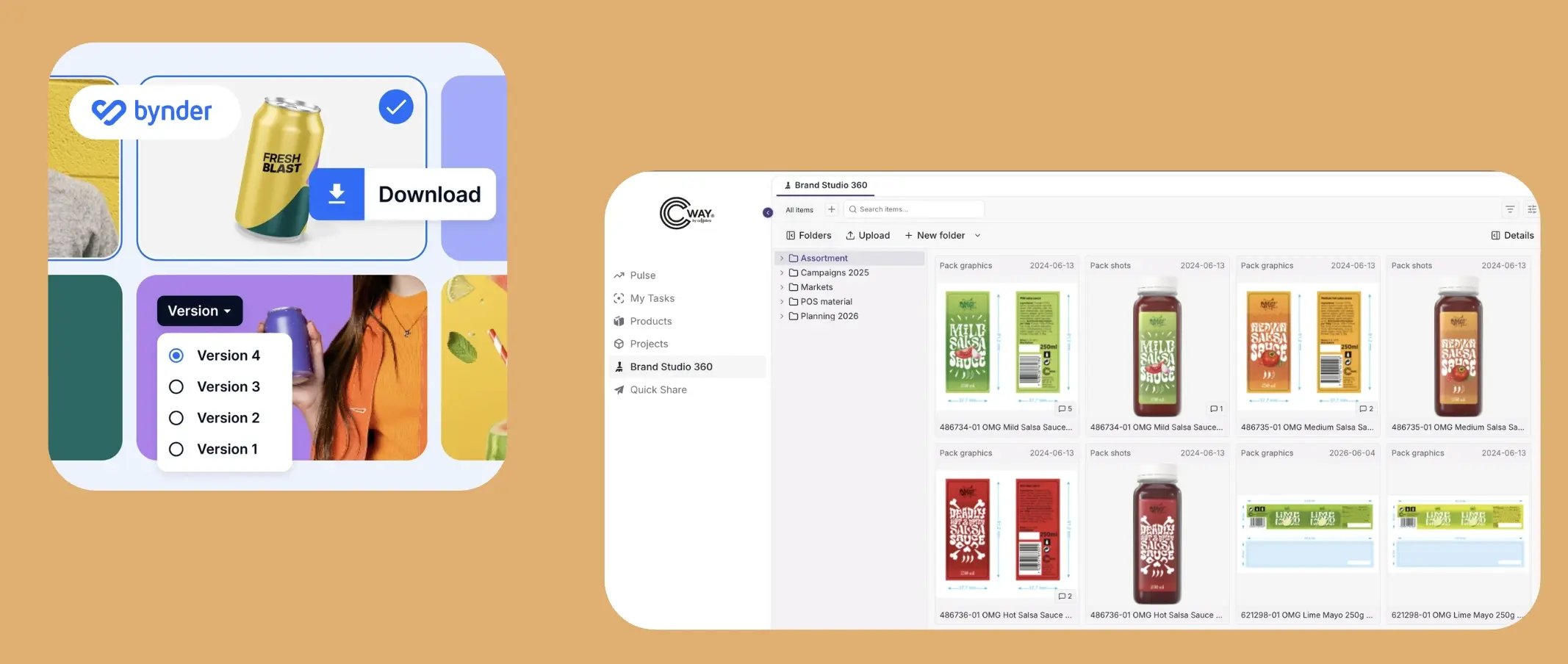
Bynder is built for digital asset management, while Cway combines DAM, file sharing, and end-to-end packaging artwork workflows.
What Bynder Does Well
Bynder is a horizontal DAM built for marketing and brand teams managing digital assets across channels — social content, campaign visuals, brand guidelines, PDF catalogs, and more. Its core strengths:
- Asset Bank — centralized storage with tagging, metadata, and search
- Brand Guidelines — digital brand books for logo, color, and typography usage
- Creative Projects / Content Workflow — generic review and approval with comments and status tracking
- Bynder Express — large file transfer via email or link, with expiration dates and access controls
- Templates (Studio) — brand-consistent templates for banners, social posts, and similar assets
If your team needs a general repository for brand assets and marketing content, Bynder does that job well. This isn't where the packaging conversation needs to go.
Where Packaging Artwork Needs More
Packaging artwork isn't a single file — it's a lifecycle. A pack design moves through structural checks, regulatory sign-off, print-ready validation, and multi-market approval before it reaches a printer. This is where general-purpose DAM platforms, including Bynder, start to show gaps.
1. Artwork as a Connected Set of Files, Not a Single File
Bynder — like most DAM tools — treats each file as an independent object with its own metadata. A packaging artwork, however, is rarely just one file. It typically includes a print-ready PDF, working design files (AI, INDD, PSD), and resource files such as fonts and graphic elements.
Cway keeps all of these connected as a single, versioned artwork object. When a revision happens, the entire set updates together — there's no manual work to confirm that the right logo file matches the right PDF version.
2. Automatic File Sorting by Artwork and Type
When a batch of files lands in a Cway project, the platform recognizes them by filename and automatically sorts them into the correct artwork and file type (main file vs. resource file). Bynder's tagging helps find files inside a library, but it doesn't understand that several files belong together as parts of one artwork — that structural relationship has to be built manually.
3. Preflight and Print-Readiness
Bynder has no built-in preflight validation — no checks for bleed, die-lines, color separations, or print-ready specifications. Cway includes these checks natively, because packaging files need to be production-ready before they leave the system, not just approved on screen.
4. Regulatory Sign-Off as a Distinct Gate
Packaging approval isn't one generic review step — it's several, often with different stakeholders and different rules. Cway brings packaging-specific context to the artwork review and approval process, helping teams coordinate reviews across regulatory, design, quality, and other stakeholders. Bynder's Creative Projects is designed as a general-purpose review and approval solution.
5. Parallel Approval With Logging
Cway's approval architecture allows multiple roles to review and approve in parallel, with full logging per stakeholder — rather than a sequential chain where each reviewer blocks the next. This matters at scale, when multiple departments (regulatory, marketing, quality) need to weigh in without creating a bottleneck.
6. Auto-Sync Between DAM and Workflow
Cway Brand Studio (its DAM layer) and Cway Projects (its workflow layer) sync automatically and bidirectionally. Drop a file into Brand Studio, and it's available in the project — no manual re-upload, no risk of an outdated version slipping through. In a typical Bynder + separate approval tool setup, someone has to move files back and forth manually, which creates room for the wrong version to reach print.
7. Quick Share vs. Bynder Express
Both platforms let you send files to external partners via a link. Bynder Express is a general-purpose large-file transfer tool — useful for RAW photos, video, or any file type, but disconnected from artwork structure. Cway's Quick Share works directly on the artwork object itself, with an integrated viewer, version comparison, and annotation — so partners, printers, and vendors review the actual artwork in context, not just a downloaded file.

Feature Comparison
| Capability | Bynder | Cway |
|---|---|---|
| DAM (storage, tags, folders, access control) | Yes | Yes (Brand Studio) |
| File sharing via link | Yes (Bynder Express) | Yes (Quick Share,r) |
| Generic approval / review | Yes | Yes |
| Artwork as a connected file set (PDF + working files + resources) | No — files are independent | Yes — single versioned object |
| Automatic file sorting by artwork and type | No | Yes |
| Parallel approval with per-role logging | No — generic sequential review | Yes |
| Auto-sync between DAM and workflow | Manual | Automatic |
Integration or Replacement?
There isn't a single right answer — it depends on how your organization actually uses Bynder today.
If Bynder is your brand asset hub — logos, guidelines, marketing content — it can stay exactly where it is. Cway integrates with it, picking up packaging artwork the moment it enters the workflow and handling everything from brief to print-ready approval, while Bynder continues to serve its original purpose.
If Bynder is being used mainly to manage packaging approvals — because "we already have a DAM, let's put artwork review there too" — that's usually a sign the team is paying for a general-purpose tool to do a job it wasn't built for. In that case, replacing it with a platform purpose-built for packaging artwork removes the workarounds entirely.
Keep Bynder and Integrate Cway If...
Bynder is primarily your enterprise DAM for:
- Brand assets
- Logos and visual identity
- Marketing content
- Campaign materials
- Brand guidelines
- General digital files
In this scenario, Bynder can continue serving as the central DAM while Cway handles packaging artwork creation, review, regulatory approval, preflight, and print-ready delivery.
Cway Can Integrate With Bynder
You don't necessarily need to replace Bynder to use Cway for packaging artwork management. Cway can integrate with your existing Bynder setup based on your organization's specific requirements and workflow.
Keep Bynder as your central DAM for brand and marketing assets, while Cway manages the packaging artwork lifecycle — including artwork files, sharing, approvals, regulatory review, preflight, and print-ready delivery.
Need a specific integration setup? Talk to our team about your requirements, and we'll explore the right integration approach for your organization.
Consider Replacing Bynder for Packaging Workflows If...
Your team mainly uses Bynder because you need a place to manage packaging artwork approvals, but the workflow requires multiple workarounds.
Common warning signs include:
- Packaging files have to be manually grouped together
- Reviewers rely on email to coordinate approvals
- Regulatory approval is handled outside the DAM
- Print-ready checks happen in separate tools
- Teams manually upload the same artwork multiple times
- Final artwork is difficult to distinguish from previous versions
- Printers or suppliers receive files without the surrounding approval context
In these situations, a packaging-specific platform can reduce the number of disconnected steps.
See It in Action
Cway is built specifically for packaging artwork lifecycle management — from artwork creation through regulatory approval to print-ready delivery. If your team is currently stretching a general DAM to cover packaging workflows, we can show you what a purpose-built alternative looks like.
Book a demo to see how Cway handles artwork connections, approvals, and print-readiness that Bynder wasn't designed for.
FAQ
Bynder is a broad DAM platform designed for brand and marketing assets. Cway is purpose-built for packaging artwork management, including connected artwork files, packaging approvals, regulatory sign-off, preflight, and print-ready workflows.