1 min read

Cway Viewer update: compare artwork side by side

Cway Viewer update: compare artwork side by side
Faster artwork review with side-by-side comparison in Cway Viewer
2:00

You asked — we delivered 🙌

We’ve received many requests from users for an easier way to compare artwork and versions — and it’s finally here.

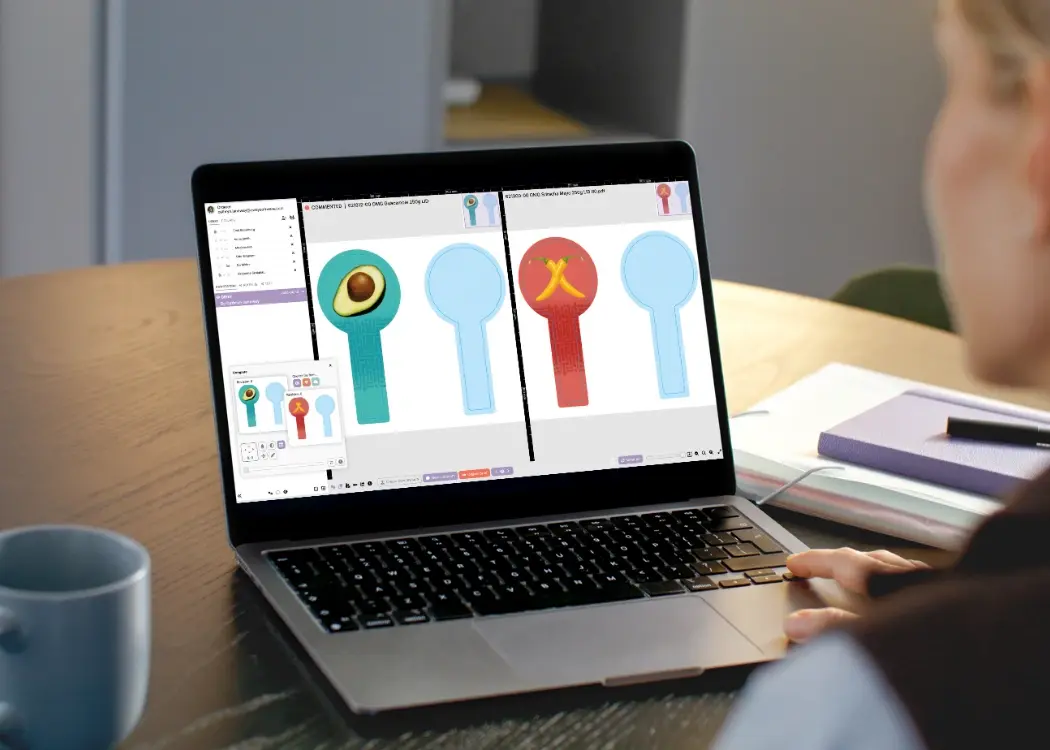
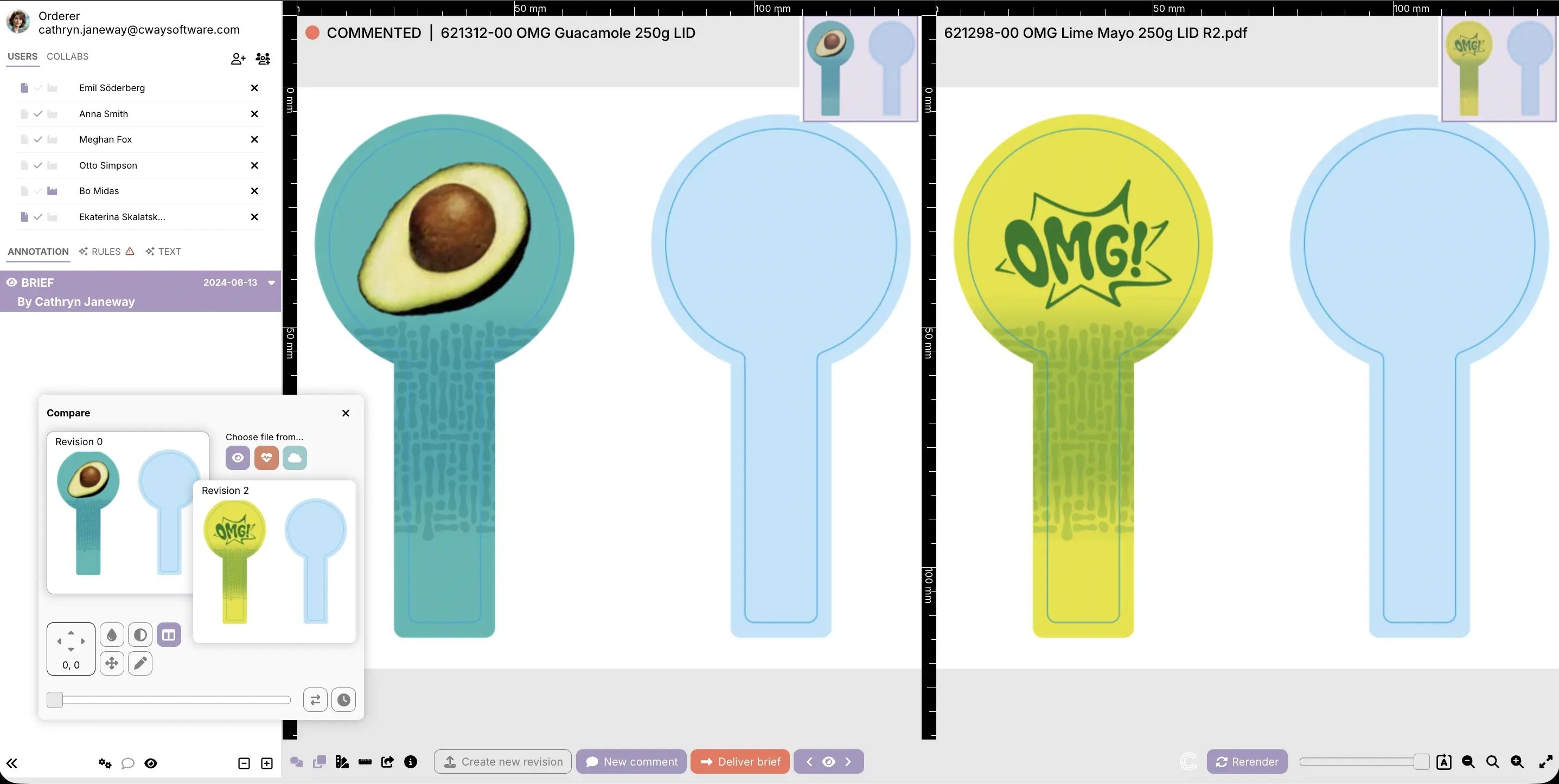
With the latest Cway Viewer update, you can now compare artwork side by side using the Compare tool.

No more switching between versions — now you can review everything in one view.

How to Compare Files Side by Side in Cway

Getting started takes just a few clicks:

  1. Open any file in the Viewer
  2. Click Compare
  3. Select the file or version you want to compare
  4. Select Split Screen (side-by-side view)

In this mode, you can:

  • view two files side by side
  • use synchronized zoom and navigation
  • easily spot differences between versions
  • review designs with more precision

This makes Cway a simple and effective file comparison tool for design review and collaboration.

compare artwork side by side

Why Use Split Screen for File Comparison

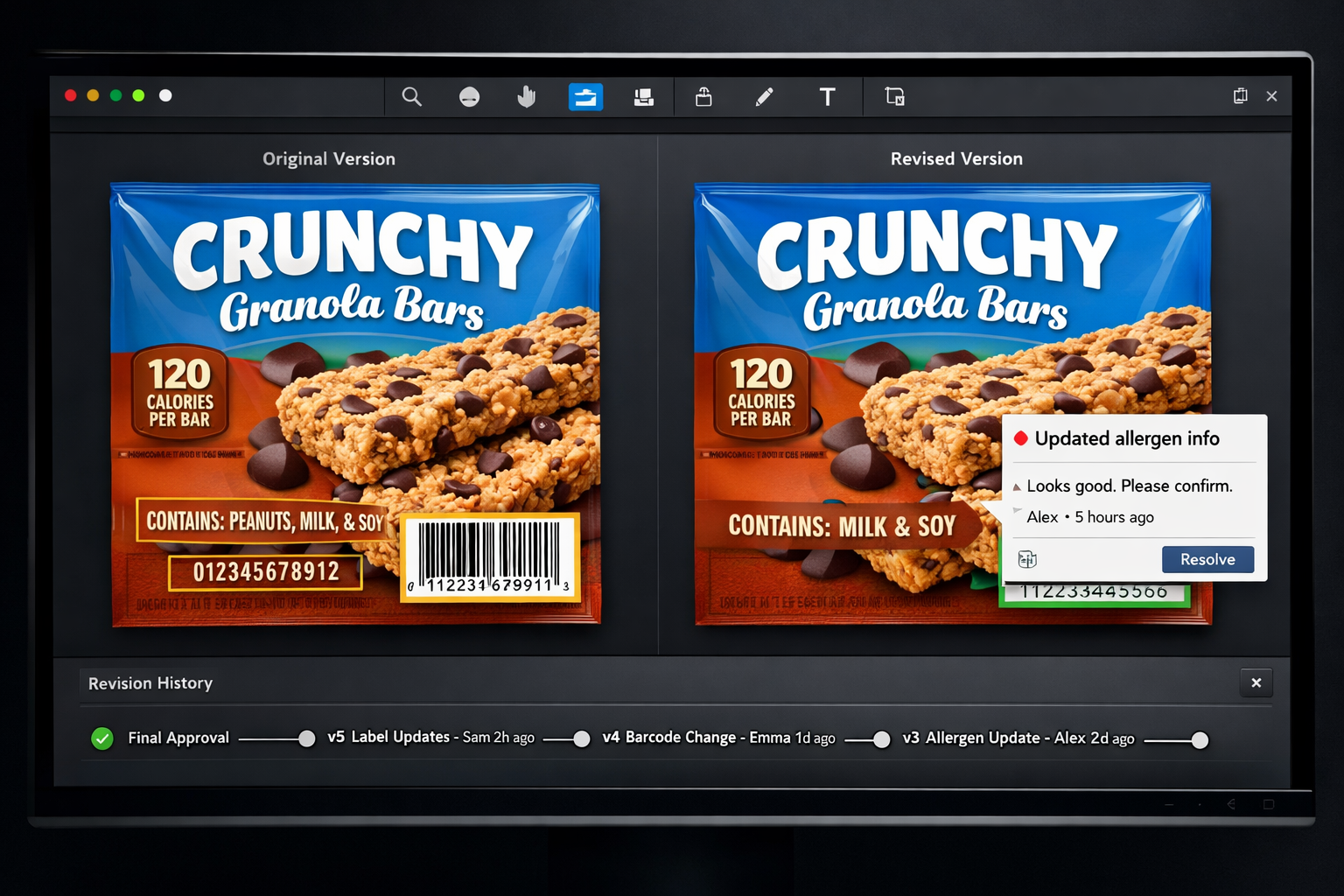
Comparing artwork side by side makes the entire review process faster and more intuitive. Instead of switching between files and trying to remember differences, you can see every change instantly in a single view. This helps teams give more accurate feedback, reduces confusion during approvals, and makes collaboration smoother across designers, managers, and clients. Whether you’re reviewing small tweaks or major updates, having both versions visible at the same time brings clarity and confidence to every decision.

1. Faster visual comparison

Quickly compare two versions without switching back and forth.

2. Better design review workflow
Perfect for teams working on design approvals and feedback.

3. Spot differences instantly
See changes in layout, text, and visuals in real time.

4. Improved collaboration
Keep designers, managers, and clients aligned with a clear side-by-side view.

Built Based on Your Feedback

This feature was one of the most requested — and we’re happy to say: it’s here 🎉
Your feedback helped us build a better Viewer with side-by-side comparison, and we’re just getting started.

Streamline your creative approval process for faster sign-off

Streamline your creative approval process for faster sign-off

If you're part of a marketing team, you're probably no stranger to the back-and-forth that comes with getting creative content approved. Whether it’s...

View Full Article
How to build a compliant and scalable approval workflow

How to build a compliant and scalable approval workflow

Creating packaging isn’t just about great design—it’s about building an approval workflow that ensures every step, from concept to shelf, is aligned,...

View Full Article
Layer-specific annotations for faster packaging approval & proofing

Layer-specific annotations for faster packaging approval & proofing

Layer-specific annotation—the practice of attaching feedback, comments, or markups to individual design layers—offers a powerful way to streamline...

View Full Article