5 min read

The hidden cost of manual artwork versioning in FMCG

The hidden cost of manual artwork versioning in FMCG
10:02

Every packaging team has a version of the same story.

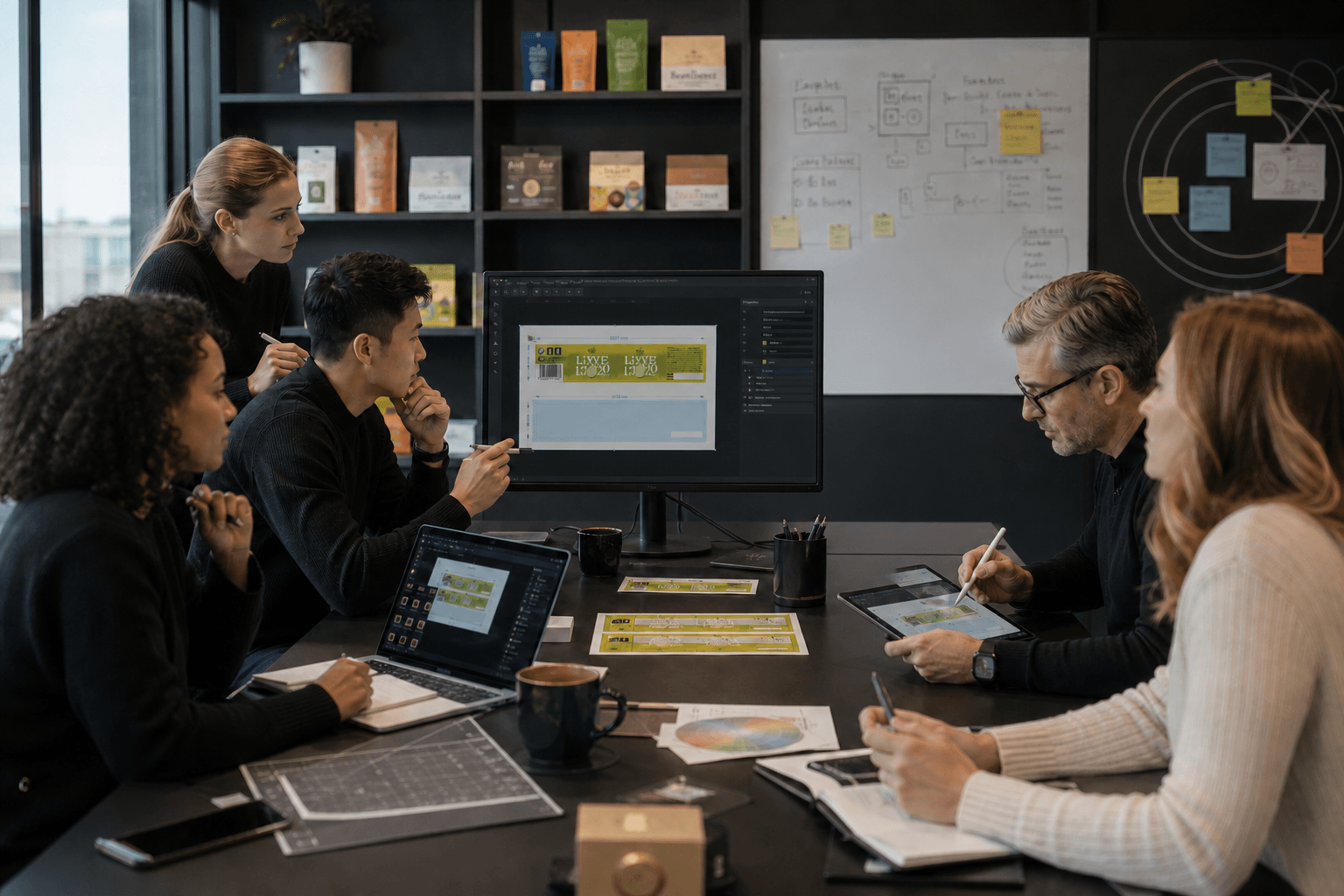
A designer finishes revisions on a label, uploads the file, and moves on. Two hours later, a coordinator opens the artwork in the review system and finds the old version. The designer checks their Downloads folder — the revised file is there, sitting locally, never uploaded. The review cycle resets. A day is lost.

Or: two designers are working on different language variants of the same master artwork. One of them pulls the source file, makes changes, uploads. The other does the same, thirty minutes later. The second upload silently overwrites the first. No warning, no merge, no record of what was changed in between.

These aren't edge cases. For teams managing packaging artwork at any meaningful volume — dozens of SKUs, multiple markets, frequent regulatory updates — version control failures are a recurring operational cost. They extend cycle times, create rework, and occasionally send the wrong artwork to print.

The frustrating part is that the problem is structural, not behavioral. It's not that designers are careless. It's that the standard packaging artwork workflow — download from a system, edit locally, re-upload manually — creates conditions where version conflicts are almost inevitable.

What Artwork Versioning Actually Means in Packaging

Version control is a term borrowed from software development, where it has a precise meaning: a system that tracks changes to files over time, allows multiple contributors to work concurrently, and maintains a complete history of who changed what and when.

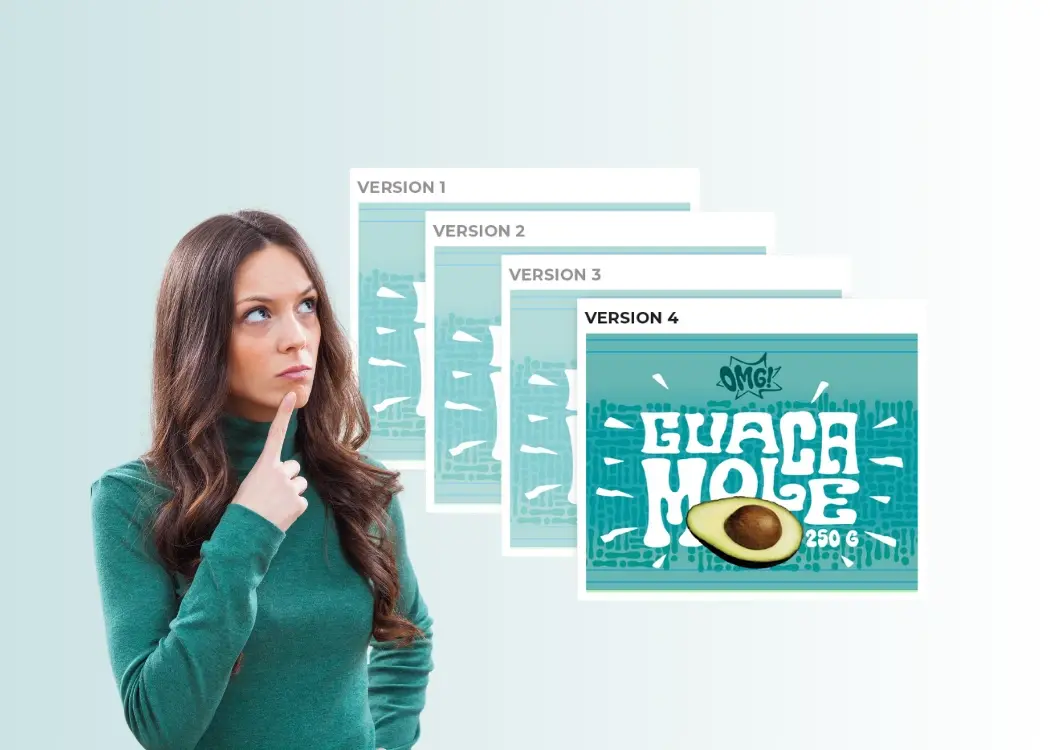
In packaging, the concept exists but the implementation is usually far more manual. A "versioning system" for many teams is a naming convention — SKU-001_label_v3_FINAL_approved.ai — combined with a shared folder structure and a lot of institutional knowledge about which file is current.

This works until it doesn't. And it tends to stop working at a predictable point: when the team grows, when the volume of active SKUs increases, or when multiple people need to work on the same artwork within the same revision cycle.

At that point, the naming convention breaks down, the shared folder becomes ambiguous, and the institutional knowledge that held everything together turns out to be held by one or two people who are now a single point of failure.

The Four Most Common Ways Teams Lose Track of Versions

1. The silent overwrite

Two designers download the same source file. Both edit it. The second upload overwrites the first with no warning. This is the most damaging failure mode because it's invisible — the system has a file, it just isn't the right one. In a browser-based download-edit-upload workflow, there's no mechanism to prevent this from happening. File locking for design teams exists as a concept, but without tooling to enforce it, it relies entirely on communication habits holding up under deadline pressure.

2. The local orphan

A designer finishes edits and closes Illustrator. The revised file sits on their local machine — in Downloads, on the Desktop, in a project folder — and never makes it back to the artwork management system. The system record shows the previous version as current. If no one follows up, that version goes to review. If it's caught late, the cycle resets.

This is especially common in high-volume workflows where designers are context-switching between multiple artworks in a single day. The upload step is easy to miss when you're already three tasks ahead.

3. The parallel branch

A designer pulls a source file to make copy changes. A separate designer pulls the same file to update the dieline. Both work in isolation. Both upload. Depending on which upload happens last, one set of changes is lost entirely.

Unlike software development — where tools like Git are specifically designed to handle concurrent editing and merge conflicts — packaging artwork workflow tools rarely offer any equivalent. The files are binary, not text, which makes automated merging impossible. The only reliable solution is preventing concurrent editing from happening in the first place.

4. The stale reference

A designer uses a file from their local machine as the starting point for a new revision — not realizing it's an older version that predates several rounds of approved changes. The new revision is built on a stale foundation. The error may not be caught until late in the approval process, or not at all.

This happens because local copies of packaging files accumulate over time and there's no automatic mechanism to invalidate them. The file on disk has no way of knowing it's been superseded.

Manual vs System-Managed Versioning

The difference between manual and system-managed artwork versioning isn't just about convenience. It's about where the reliability of the system lives.

In a manual versioning workflow, reliability depends on people: following naming conventions consistently, remembering to upload after every edit session, communicating about who's working on what, and knowing which local copy is current. When everyone follows the process perfectly, it works. When anyone misses a step — under deadline, during context switching, across time zones — it breaks.

In a system-managed workflow, reliability is built into the tooling. The system tracks which version is current. It knows who has a file checked out. It prevents concurrent editing through server-side file locking. It records a complete history of every revision without anyone having to maintain it manually.

The practical difference: in a system-managed workflow, version conflicts don't require people to prevent them. The system prevents them structurally.

For packaging artwork version control specifically, this matters because the consequences of a version conflict aren't just internal — they can affect regulatory submissions, brand consistency across markets, and ultimately what goes to print.

File Locking: Why It Matters More Than It Sounds

File locking is often treated as a minor feature in software overviews. In the context of packaging artwork management, it's one of the more important structural safeguards available.

The concept is straightforward: when a designer begins working on an artwork, the system marks it as locked. Other team members can see who has it and when the lock was created. No one else can check out the same file until the lock is released.

This is categorically different from informal coordination — a Slack message, a calendar block, a verbal check-in — because it's enforced at the system level. It doesn't degrade under deadline pressure. It doesn't depend on everyone being in the same timezone or checking the same channel. It works the same way whether the team has two designers or twenty.

The lock is also a record. Every checkout and check-in creates a timestamped entry in the artwork history. If something goes wrong — a version discrepancy, a question about when a change was made — the history is there.

How to Stop Overwriting Packaging Artwork Files

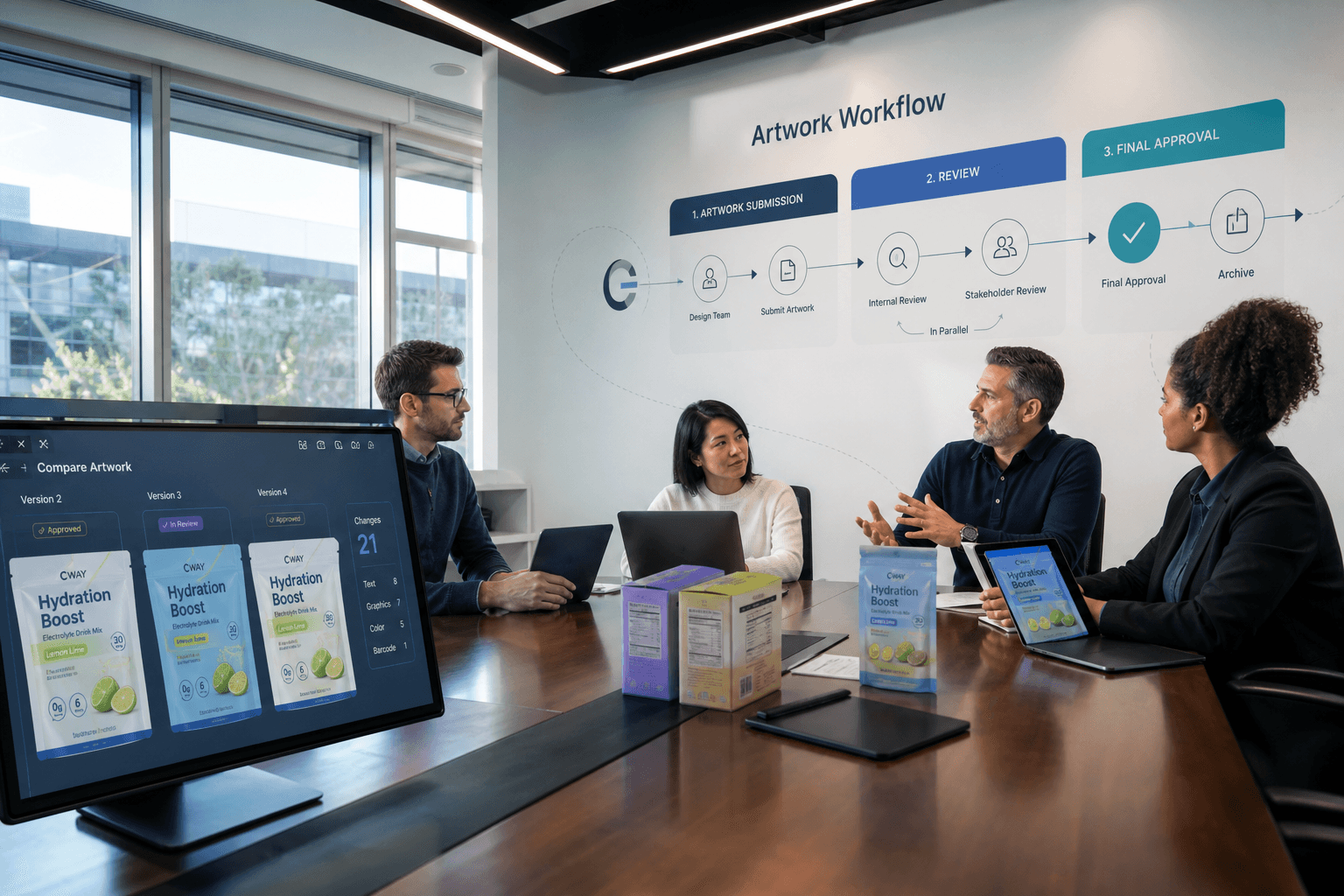
Solving packaging artwork version control properly requires two things working together: a system that maintains the authoritative record of every artwork version, and a mechanism that connects designers' local tools to that system without creating manual handoff points.

The first part is what artwork management systems like Cway are built for — a structured record of every artwork, every revision, every approval event, with access control and audit trail built in.

The second part is where most teams still rely on manual process: the download-edit-upload loop that happens between "file assigned" and "revision ready for review." This is the gap where version conflicts live.

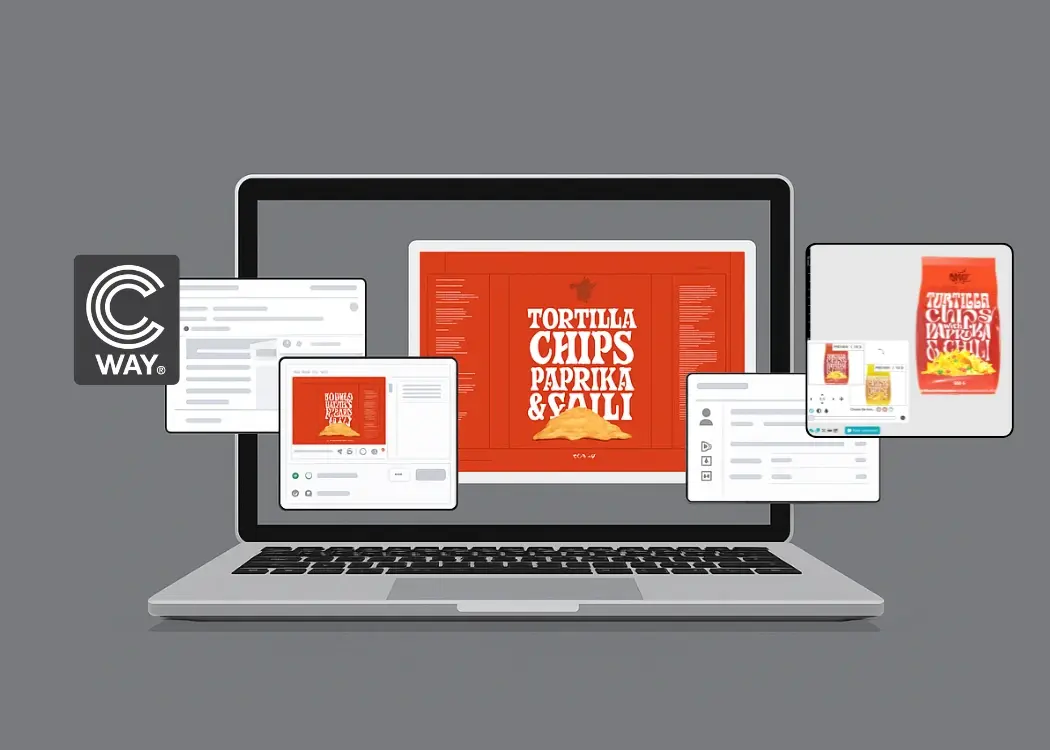
Lightbox, Cway's native desktop client for macOS and Windows, is specifically built to close this gap. Rather than downloading files manually and re-uploading after edits, designers check out artwork directly from Lightbox into a structured local folder, edit in Illustrator, Photoshop, or any other tool they use, and check back in with a single action. File locking is handled server-side automatically at checkout. Versioning is handled automatically at check-in. The download-edit-upload loop — and the version conflicts it creates — is removed from the workflow entirely.

It's not a replacement for the artwork management system. It's the missing connection between the system and the designer's local environment: a desktop client for artwork management that makes the file logistics layer invisible.

What Good Artwork Version Control Looks Like in Practice

A team with solid packaging artwork version control has a few consistent characteristics:

One authoritative source. There's a single system that holds the current version of every artwork. Designers don't maintain parallel local archives. If someone needs to know which version is current, they check the system — not someone's Downloads folder.

Enforced locking. Concurrent editing is prevented at the system level, not managed through communication. When a designer is working on an artwork, the system knows, and it prevents anyone else from creating a conflicting edit.

Automatic history. Every revision is recorded without anyone having to maintain it. Who made the change, when, from which version — all of it is in the system.

No manual upload steps. The connection between local editing and the system record is handled by tooling, not by people. Edits don't get lost because someone forgot to re-upload.

These aren't aspirational features. They're the baseline for any team managing packaging artwork at scale. The tooling to support them now exists — the gap between design tools and artwork management systems that made manual workarounds necessary is one that can be closed.


Managing packaging artwork in Cway? Lightbox eliminates the download-edit-upload loop and handles file locking and versioning automatically.

6 packaging version control tactics that reduce approval cycle time

6 packaging version control tactics that reduce approval cycle time

Every packaging team knows this scenario: a critical update gets delayed because someone approved the wrong file version. Cway helps packaging...
View Full Article
Keep your sanity: smarter ways to track artwork changes

Keep your sanity: smarter ways to track artwork changes

You've been there. A folder called Final_Artwork_v3_REVISED_FOR_PRINT_FINAL2_USE_THIS_ONE.pdf. Or a Slack message that says: "Don't use the file I...

View Full Article
Packaging design version control: best practices to stay on track

Packaging design version control: best practices to stay on track

You’ve probably been there: 10 rounds of artwork edits, 4 people CC’d on a PDF, and a folder full of files named Final_v3_THIS_ONE_USE.pdf....

View Full Article