Why Flexible Artwork Management Matters in FMCG Packaging
The Challenge: One Workflow Never Fits All
Working across many brands and projects, Anders highlights a recurring challenge:
no two artwork projects follow the same path.
Some projects involve entirely new designs with many stakeholders. Others are small updates to existing packaging with fewer reviewers. Yet requirements often change mid-project — new markets are added, additional approvers step in, or compliance feedback arrives late.
When workflows are too rigid, teams struggle.
“The more you lock yourself into a fixed flow, the harder it becomes to make the adjustments that are needed along the way.”
Without flexibility, project managers lose time reworking setups, tracking changes manually, or compensating for tools that don’t adapt to real production dynamics.
How Cway Enables Adaptive Artwork Approval Processes
1. Workflows That Adapt as Projects Evolve
Unlike task-based or waterfall-style systems, Cway allows Anders to work in parallel with multiple stakeholders — without forcing steps into a strict sequence.
This makes it possible to:
-
Adjust approval flows when project scope changes
-
Involve more or fewer stakeholders depending on the task
-
Keep momentum even when information evolves mid-project
“You can work simultaneously with different people in the same timeframe. You’re not locked into a workflow.”
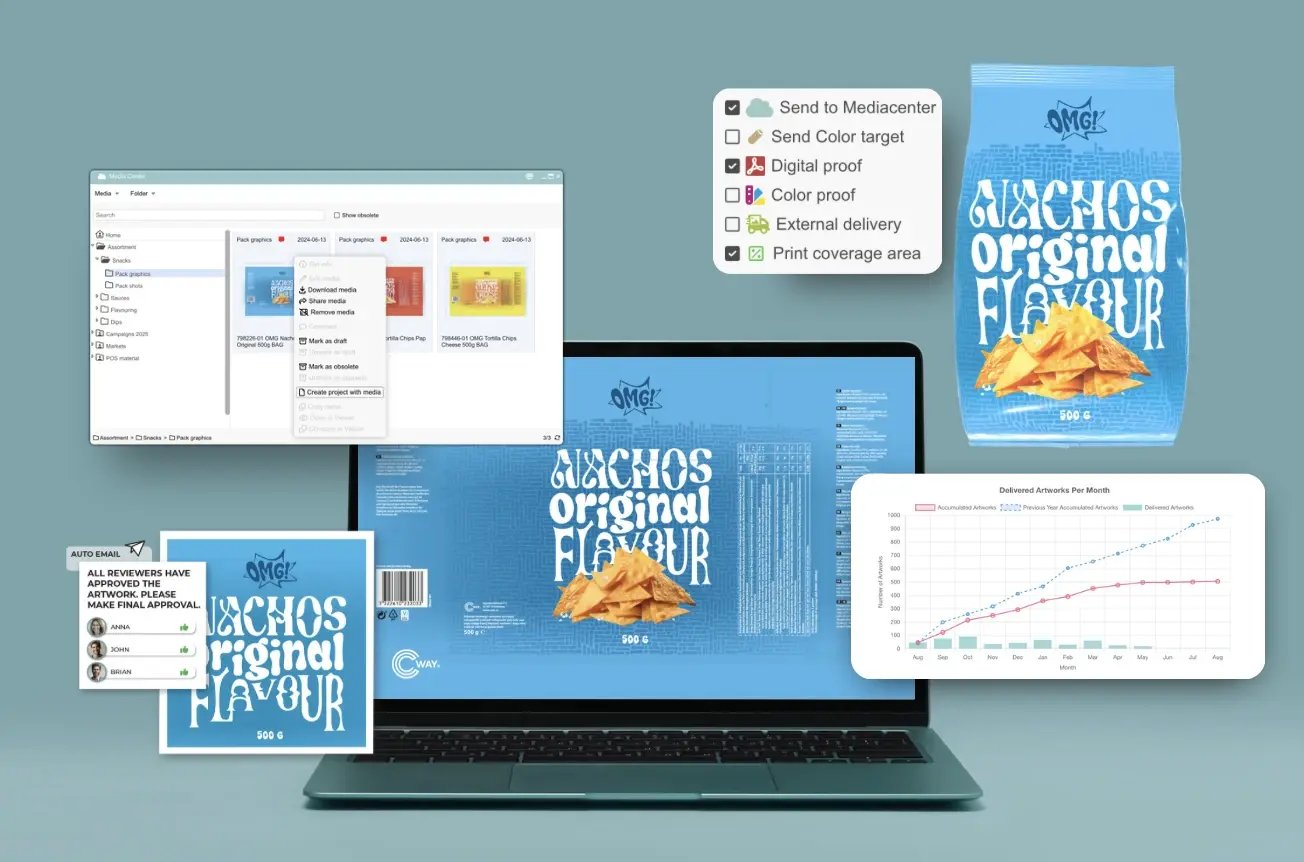
One of the biggest differences Anders sees between Cway and other platforms is how projects and assets stay connected.
Using Brand Studio 360 and project workflows together, teams can:
-
Start new projects from existing materials
-
Update artworks while preserving full version history
-
Always trace changes back to the source
“In other platforms, you need to document history somewhere else. In Cway, it’s already connected.”
This eliminates manual tracking and reduces the risk of working from outdated or obsolete files.
3. Clear Status Overview for Daily Control
In day-to-day work, Anders relies heavily on status visibility.
Rather than reacting to tasks when they appear, he uses Cway to:
-
Monitor progress against agreed timelines
-
See where projects stand at a glance
-
Identify delays early and act proactively
“Keeping track of status is what I use the most — making sure we follow the timings agreed with our clients.”
This overview is especially critical when managing many parallel projects.
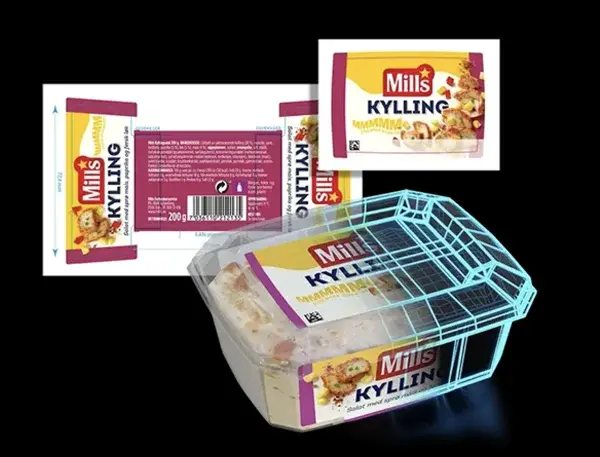
4. Smarter Updates with Compare Tools
A common bottleneck in artwork production is unnecessary revisions — often caused by missed feedback or untracked changes.
Cway’s compare tools help Anders:
-
Instantly see what changed between versions
-
Verify that comments were actually implemented
-
Ensure unbriefed changes haven’t slipped in
“You don’t need to check everything manually. You can easily confirm what’s been amended.”
This saves time and improves confidence in approvals.
Reducing Common Artwork Mistakes
From his experience, Anders sees two frequent causes of delays:
-
Incomplete briefs from the start
-
Reviewers not taking early revisions seriously
When issues are caught late, revisions multiply unnecessarily.
Cway platform helps counter this by:
-
Making changes visible and comparable
-
Keeping all comments and decisions traceable
-
Supporting stricter, more disciplined review cycles
Key Lesson: Structure Creates Freedom
Asked about his biggest takeaway from years of using Cway, Anders points to structure — especially in Brand Studio 360.
Keeping assets organized, updated, and clearly marked as active or obsolete helps teams:
-
Avoid last-minute changes outside the process
-
Reduce errors after approval
-
Maintain consistency across projects
“Do the work systematically, follow the process, and use Cway for what it does best.”
By combining flexibility with structure, Anders has seen artwork workflows become easier to manage — even as complexity increases.